Help Center
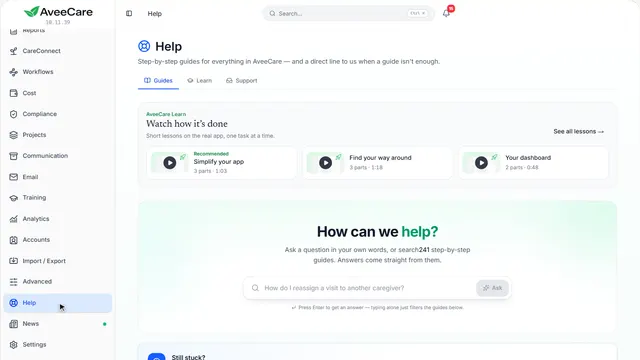
AveeCare Learn
52 short lessons that play the real app on a sample agency. Each one pauses on every new screen to show what you can do there, and lets you jump straight to the part you need.
Start here
52 lessons
Getting started
 Recommended
Getting startedSimplify your appShow your team only the parts of AveeCare your agency uses. Nothing is deleted, and everything comes back with one click.3 parts · 2 min
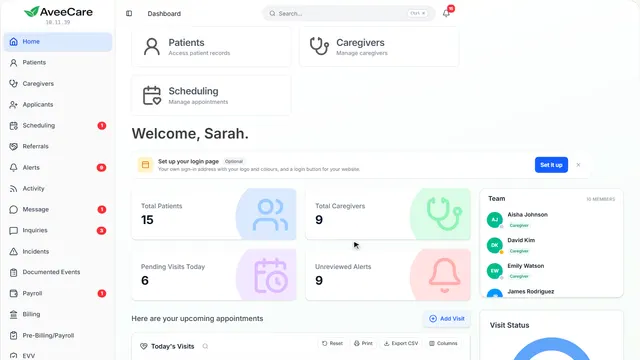
Getting startedFind your way aroundThe sidebar, search, the menu under your name and Help: where everything is, and how to get to anything in a click or two.3 parts · 2 min
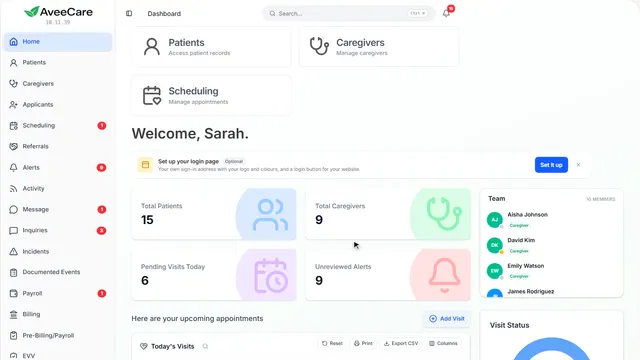
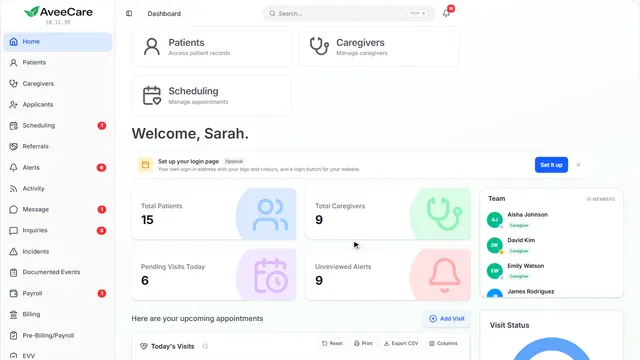
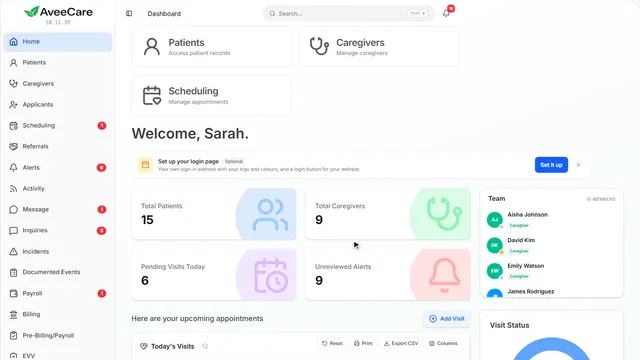
Getting startedYour dashboardWhat your home page shows: the key numbers, today’s visits, recent activity and alerts, and how to see the whole picture.2 parts · 1 min
Getting startedCustomize a pageMove, resize, hide and add the parts of any page. What you change is saved to your account, and one click puts a page back.2 parts · 1 min
Getting startedPractice on sample dataTry anything on a sample agency without touching your real records, on one page or all of them, and start fresh whenever you like.2 parts · 1 min
Clients
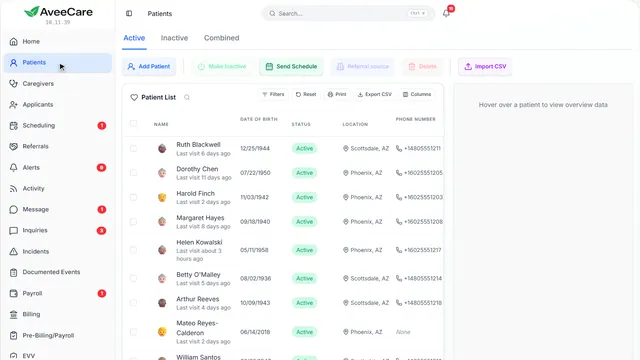
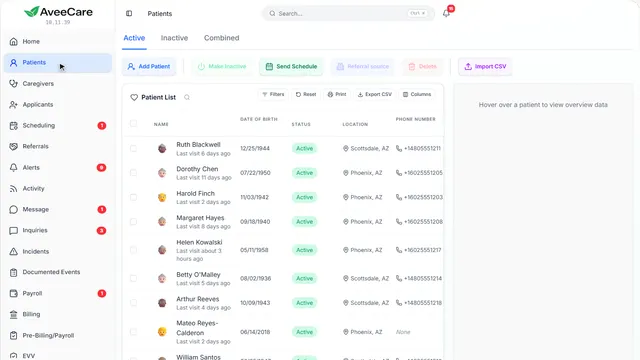
ClientsAdd a clientWhere to find your clients, the two ways to add one, and where their insurance and care plan go.4 parts · 2 min
ClientsImport clients in bulkBring everyone in from a spreadsheet: the two columns you need, the ones we read, and how to check them before they count.2 parts · 1 min
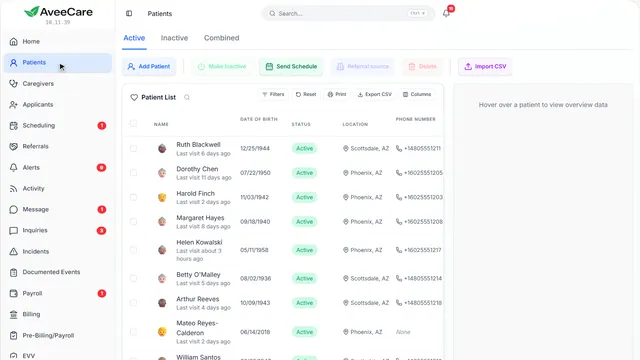
ClientsFind your way around a client’s recordEverything about one client on one screen: their details, the buttons along the top, and a tab for each part of their care.2 parts · 1 min
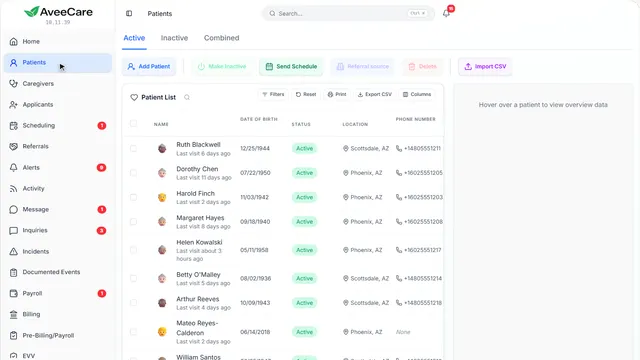
ClientsAdd a client’s insurance informationWhere a client’s insurance shows, how to add or change it, and where a second payer and coverage dates go.3 parts · 2 min
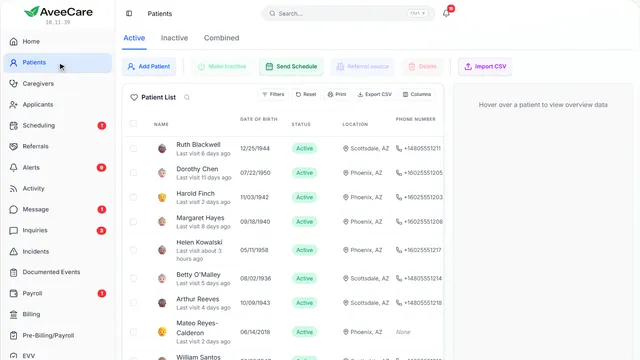
ClientsAuthorizationsRecord the visits a payer approved, the units they cover, and when to warn you before they run out.4 parts · 2 min
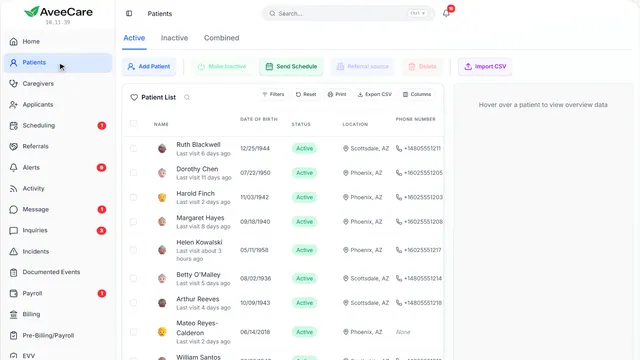
ClientsAdd a care planStart a client’s care plan from a ready-made plan, the one you already wrote, or a blank page.4 parts · 2 min
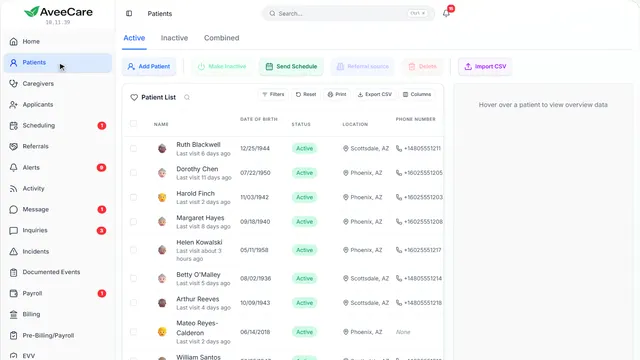
ClientsMedicationsKeep a client’s medication list and allergies current, and see where a signed review and eMAR fit in.4 parts · 2 min
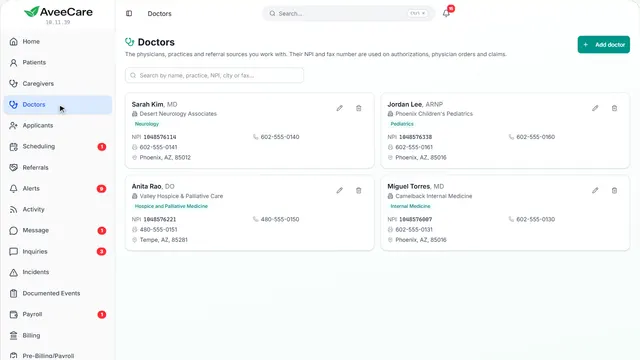
ClientsDoctorsKeep the doctors and practices you work with in one place, with the NPI and fax number that orders and authorizations need.2 parts · 1 min
Caregivers
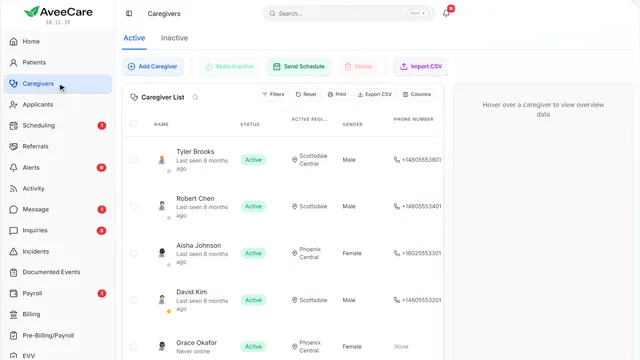
CaregiversAdd a caregiverWhere to find your caregivers, the two ways to add one, and the least you need to start scheduling them.4 parts · 2 min
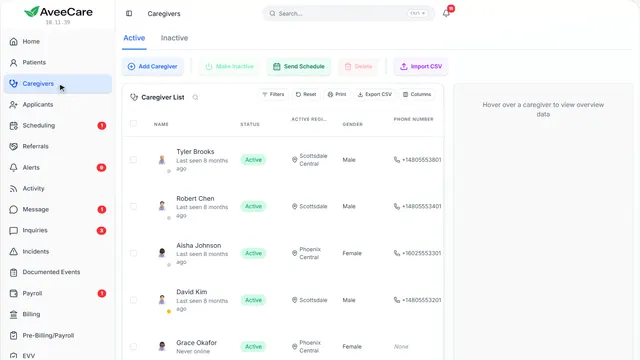
CaregiversImport caregivers in bulkBring your whole team in from a payroll export or a spreadsheet, match the columns, and check every row before it is saved.2 parts · 1 min
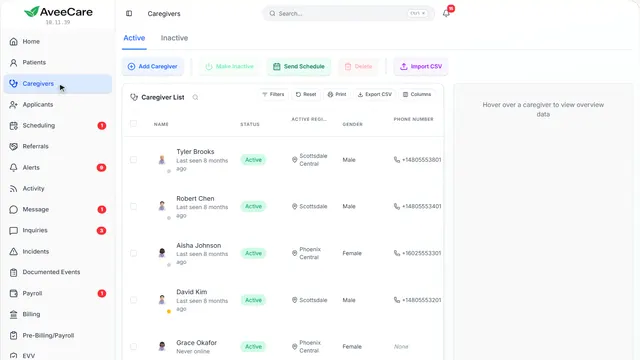
CaregiversA caregiver’s recordEverything about one caregiver on one screen: their details, the buttons along the top, and a tab for each part of their work.2 parts · 1 min
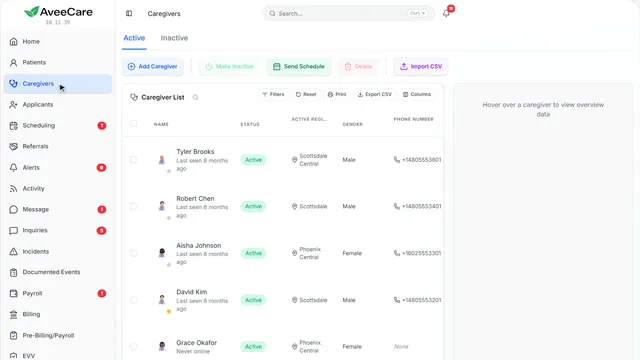
CaregiversCertifications and expirationsAdd a caregiver’s certifications with their expiry dates, and see every certification that has run out or is about to in one place.5 parts · 2 min
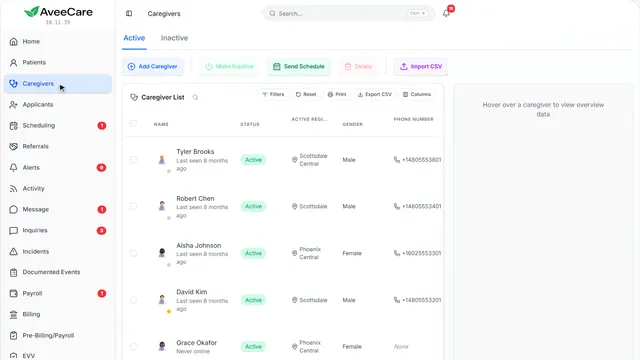
CaregiversMake a caregiver inactiveTake someone who left off your schedule without losing a thing, and bring them back later if they return.3 parts · 1 min
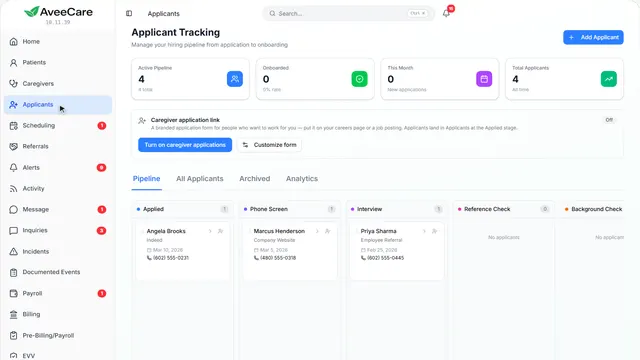
CaregiversHire from applicantsTake people from application to caregiver: your job link, the stages they move through, and turning them into a caregiver.2 parts · 1 min
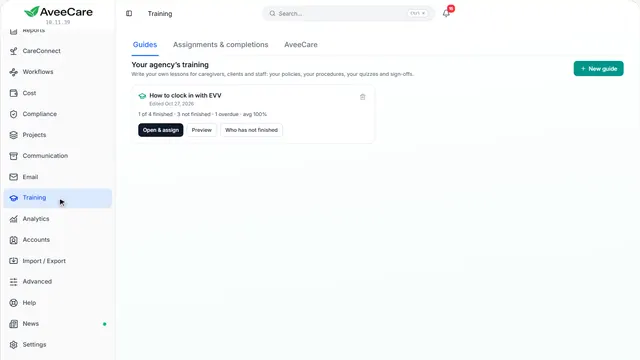
CaregiversTrainingWrite your own training, assign it to caregivers, see who has finished, and train people on AveeCare itself.3 parts · 1 min
User accounts
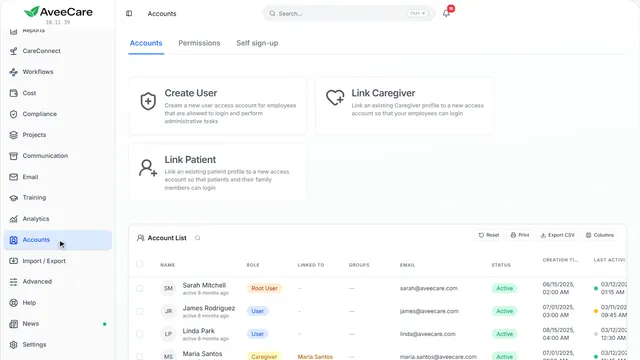
User accountsCreate user accounts, and the types of userWho can sign in to AveeCare: the owner, office users, caregivers, and clients with their families, and how each one gets a login.3 parts · 1 min
User accountsPermissionsChoose what each type of login can see and do, and make groups for the people who need something different.2 parts · 1 min
User accountsGive a caregiver a loginThree ways a caregiver gets into the AveeCare app: Link Caregiver, when you add them, or a sign-up link you approve.3 parts · 1 min
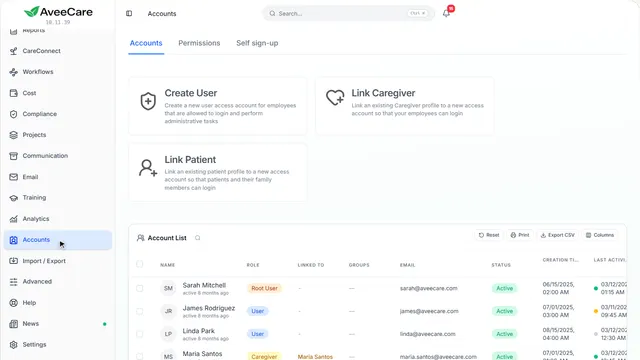
User accountsGive a client or family member accessGive a client, or someone in their family, a login of their own that shows that one client and nothing else.3 parts · 1 min
Scheduling
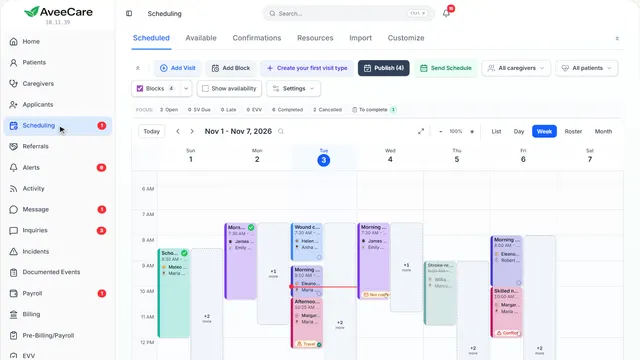
SchedulingSchedule a visitAdd Visit, one screen at a time: the client, the caregiver, what the visit is, when and where, the details, then a draft or published.8 parts · 3 min
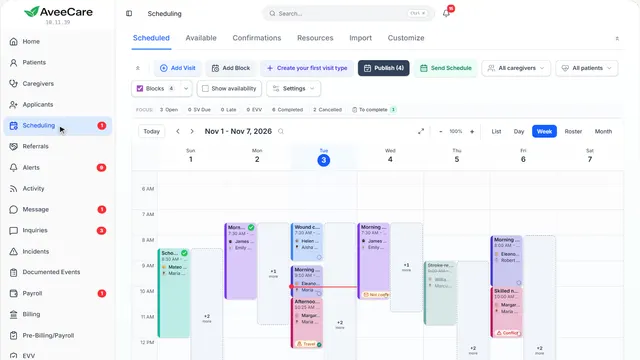
SchedulingRecurring visitsVisits that repeat: one visit set to repeat in Add Visit, or a client’s whole week built at once with Build Schedule.3 parts · 2 min
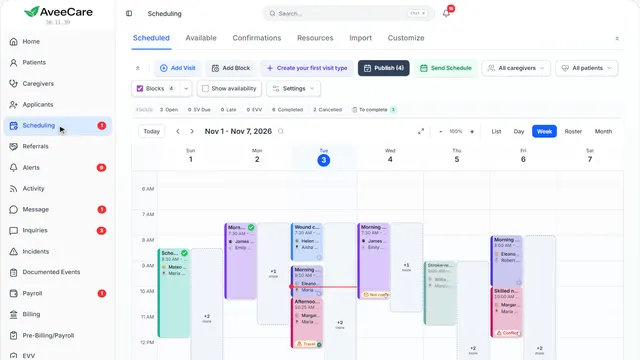
SchedulingReassign a visitA caregiver can’t make it: give the visit to someone else from the visit itself, or let AveeCare find who can cover.6 parts · 2 min
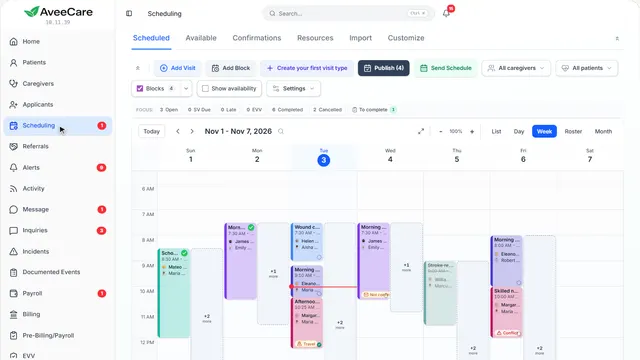
SchedulingBuild a weekPlan the week as drafts only the office sees, publish them when they are right, and send every caregiver their schedule.3 parts · 1 min
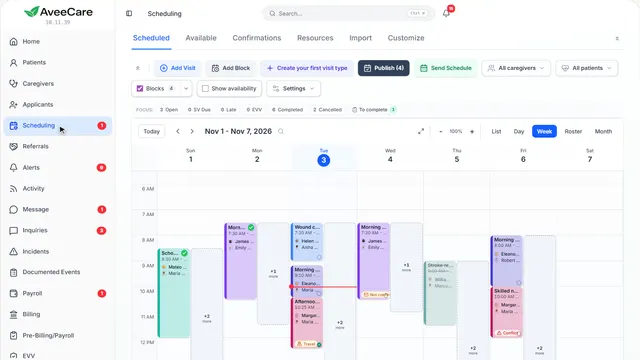
SchedulingOpen shiftsVisits with no caregiver yet: find them on the calendar, then fill them yourself or offer them to every caregiver who fits.3 parts · 1 min
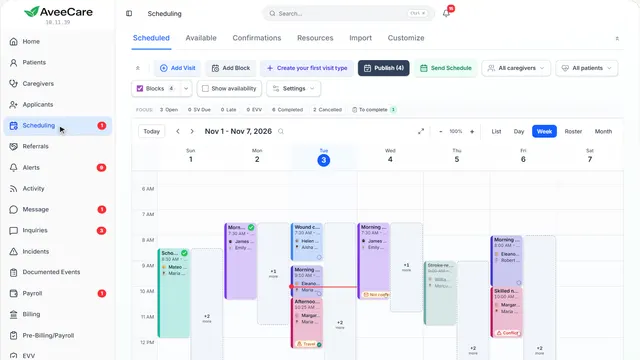
SchedulingApprove a shift extensionA caregiver asks to stay longer on a visit. See who, how long and why, then approve or deny it.3 parts · 1 min
Visits
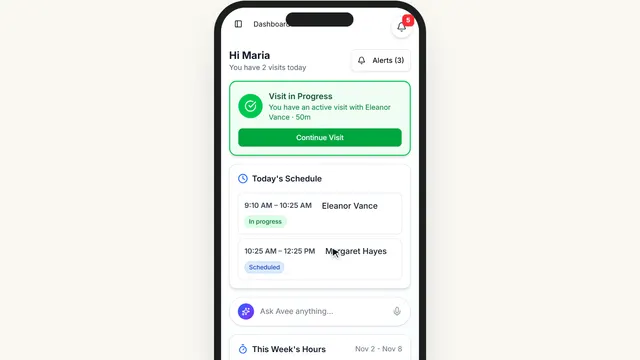
VisitsHow caregivers clock in and outWhat your caregivers see on their phone: today’s visits, the clock-in window, Start Visit with GPS and the client’s check, and the visit while it is running.6 parts · 2 min
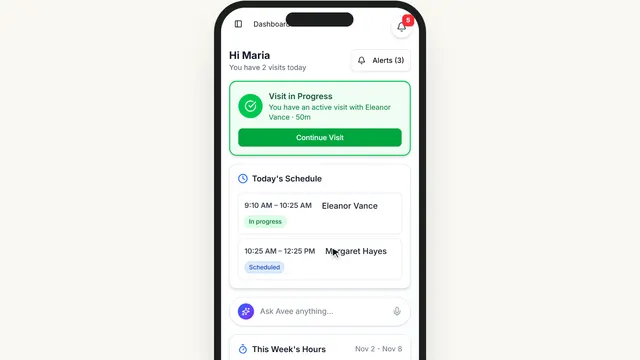
VisitsFinish a visitEnd Visit on the caregiver’s phone, one screen at a time: tasks left over, the forms, both signatures, then the summary.7 parts · 2 min
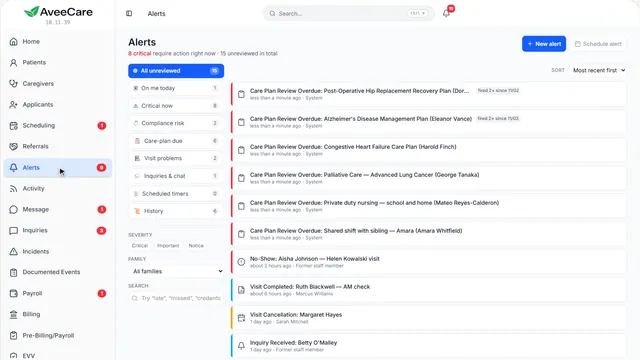
VisitsAlerts: late and missed visitsWhen a caregiver is late or never clocks in, an alert tells you. Find it, see what happened, and send someone or open the visit.3 parts · 1 min
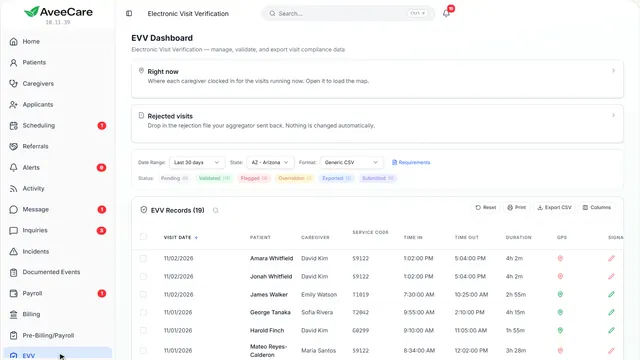
VisitsEVV for your stateThe EVV page: what your state requires on each visit, which visits are missing something, and how to fix or export them.2 parts · 1 min
Clinical
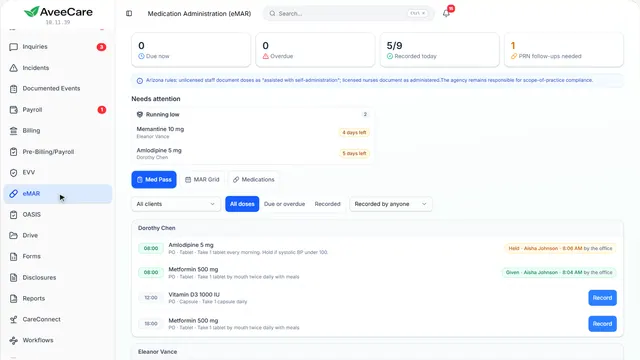
ClinicaleMAR: the med passEvery dose due today, what needs attention, recording a dose, and the monthly MAR you hand a surveyor.2 parts · 1 min
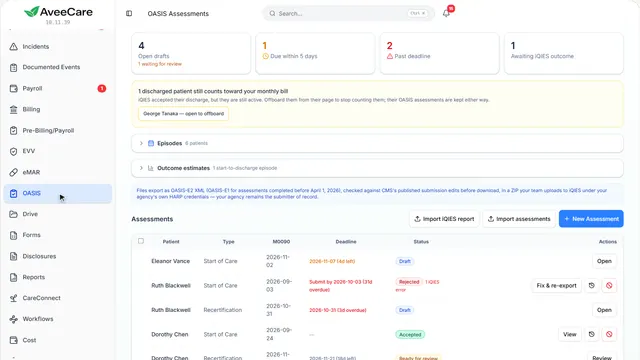
ClinicalOASIS assessmentsDeadlines, starting an assessment, filling it in with CMS guidance beside each item, and exporting it for iQIES.3 parts · 2 min
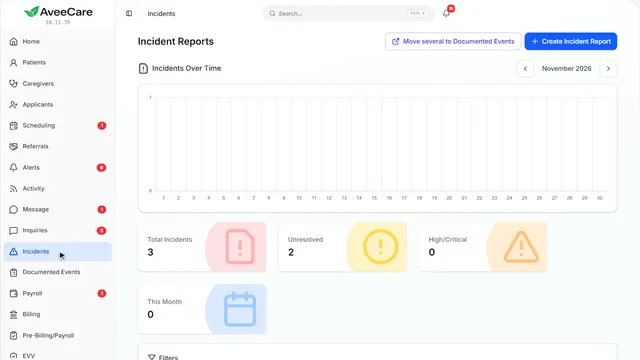
ClinicalIncident reportsWrite up a fall or a medication error, link it to the people and the visit, follow it up and resolve it.3 parts · 2 min
Billing
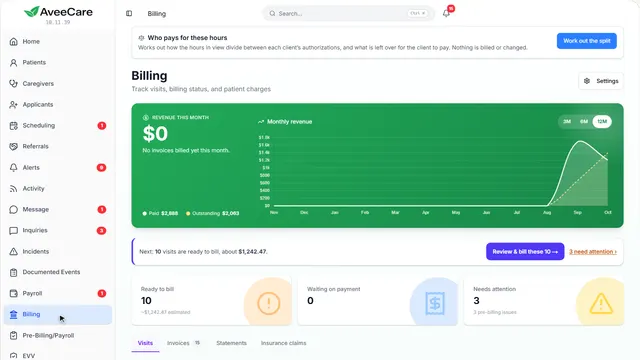
BillingBill for finished visitsSee what is ready to bill, create one invoice per client for the period, and follow each invoice until it is paid.3 parts · 2 min
BillingPayers and ratesThe insurance payers you bill, the codes that price each kind of work, and a client’s own rates.6 parts · 2 min
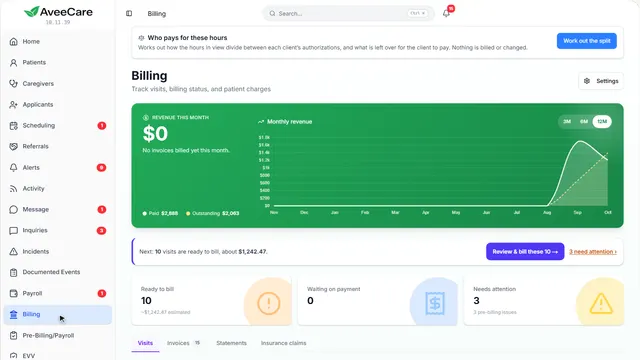
BillingMedicaid and insurance claimsSend claims to insurance through your clearinghouse, see what came back, and fix the ones that were denied.3 parts · 1 min
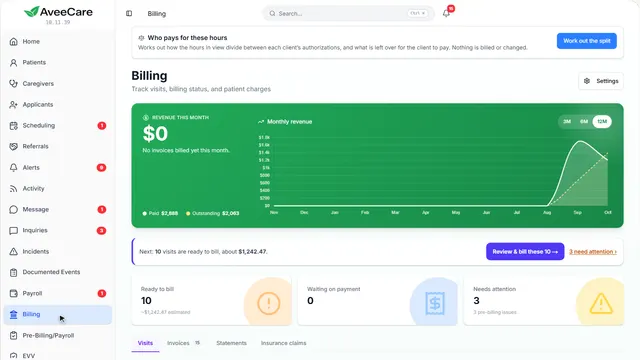
BillingRecord payments and remittancesRecord a check or cash a client paid you, and apply an insurance payer’s payment file to the claims it pays.5 parts · 2 min
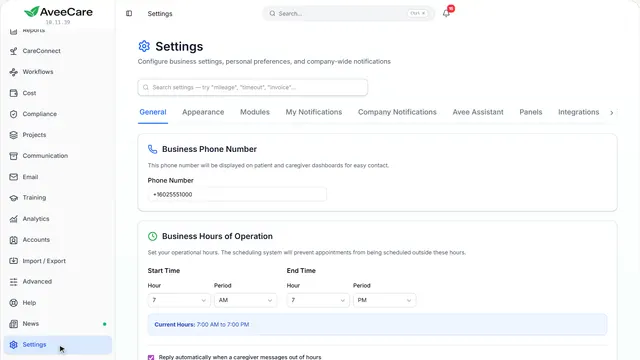
BillingConnect QuickBooksSend invoices and payments to QuickBooks Online, or hours and invoices to QuickBooks Desktop.3 parts · 1 min
Payroll
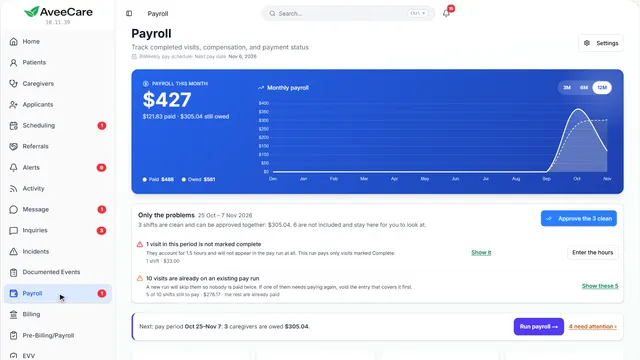
PayrollRun payrollClear the problems in the pay period, then run payroll for the caregivers who are owed.2 parts · 1 min
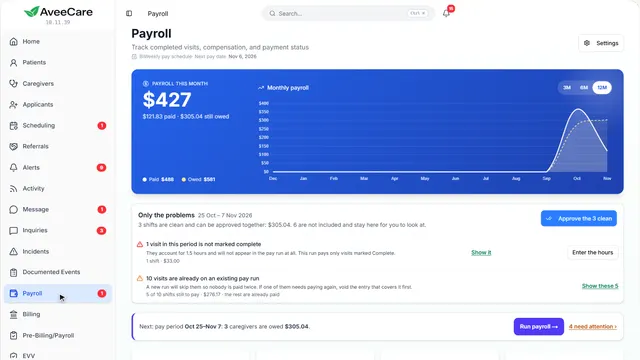
PayrollExport to your payroll providerDownload the period’s hours in the file your payroll company imports: Viventium, Gusto, QuickBooks, Paychex or ADP.3 parts · 1 min
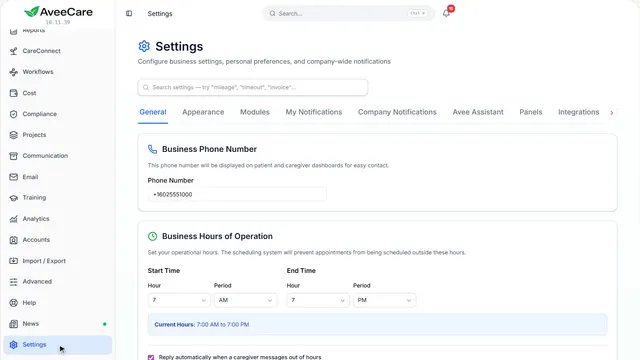
PayrollPay ratesPay codes for each kind of work, overtime and holiday pay, and a caregiver’s own rates.5 parts · 2 min
Communication
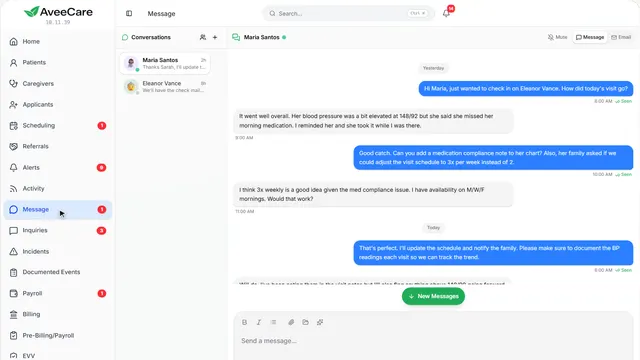
CommunicationChat with your teamMessage your office and caregivers, reach clients by email, start a group, and send a file or a schedule.3 parts · 2 min
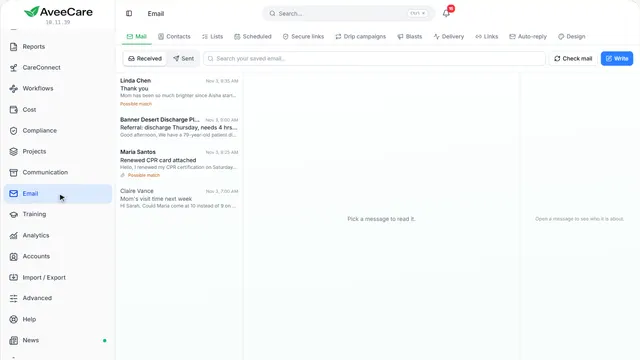
CommunicationEmail and lettersYour agency’s email inside AveeCare: writing, blasts to a group, your email design and an automatic reply, and letters filled in for a client.5 parts · 2 min
Documents and forms
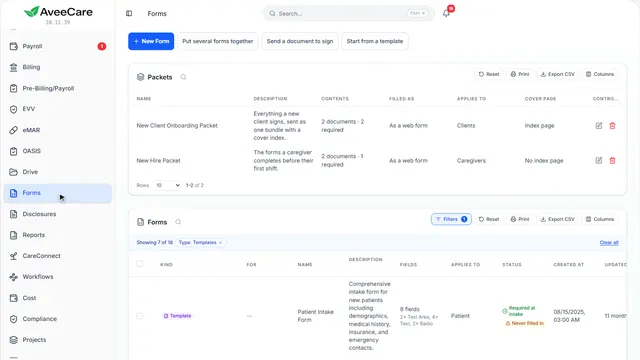
Documents and formsForms and e-signaturesMake a form, start from a template, put forms together into packets, and send a document out to be signed.5 parts · 2 min
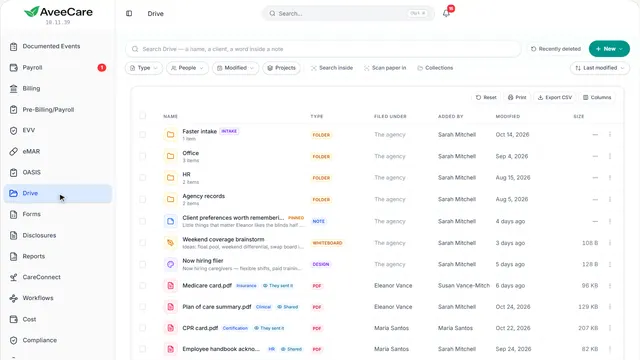
Documents and formsDocuments and DriveWhere every file is kept: making and uploading documents, each file’s menu, and the tools for scanning paper in and filing it.2 parts · 1 min
Reports
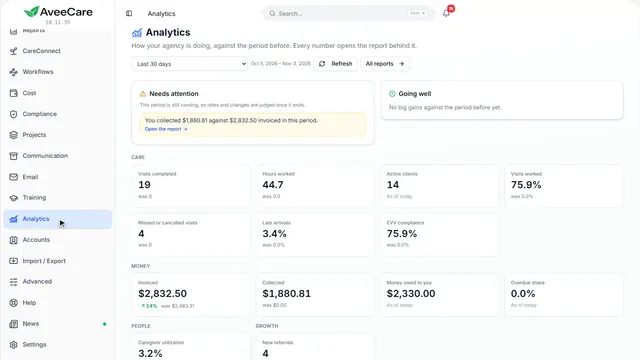
Growing your agency
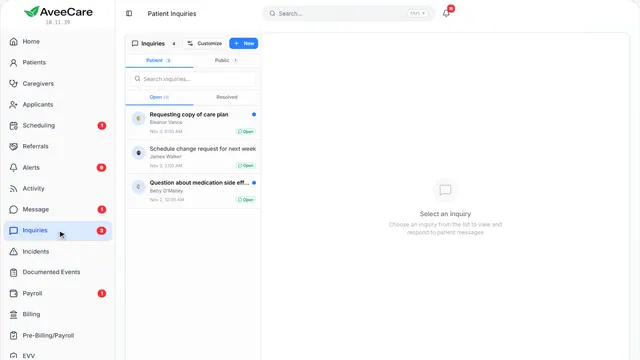
Getting help
Try it on your own
The free demo is the same sample agency the lessons use, and it is yours to click around in.