Most messaging apps let you edit or delete your own message for a short window after sending. AveeCare Chat is being built around the same idea, with a planned 10-minute edit and delete window after a message is sent, and a locked, audit-friendly state once that window closes. This page documents what the bubble actually looks like in the dashboard today and how to handle a message you want to take back.
Quick answer
In the AveeCare dashboard today, sent message bubbles do not have an edit or delete action menu. The bubble shows the message, a timestamp, and a sent or seen checkmark, and that is the full set of controls. The planned 10-minute edit and delete window is on the roadmap. To retract a message you just sent, post a short follow-up correction in the same thread. For a real removal, ask an admin to handle it through the message audit log.
1. Check the bubble for an actions menu
Open Chat, click any conversation, then send a fresh message.
Your message lands at the bottom of the thread as a blue right-aligned bubble. Underneath it, a small row shows the send time and a single checkmark for sent, or a double checkmark once the recipient has it on screen.Hover the bubble. Right-click it. Click it. Double-click it.
None of those gestures open a row actions menu in the dashboard today. There is no three-dot button, no edit pencil, no trash icon, no overflow menu, on hover or otherwise. The bubble is a static record of what you sent.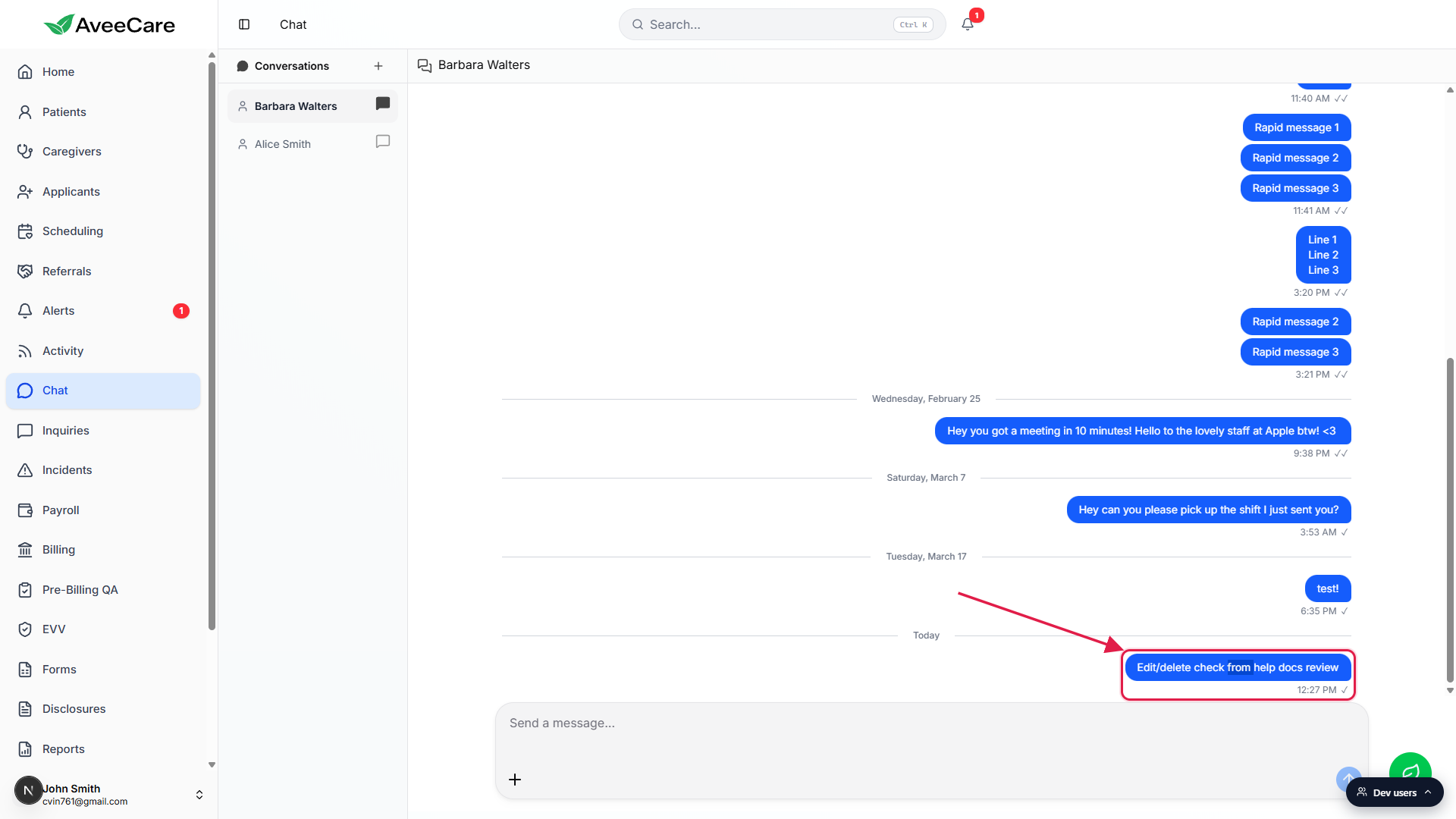
Confirm that the only metadata is the time and the checkmark.
The row under each of your bubbles is the entire control surface available for that message. One checkmark means sent, double checkmarks mean the recipient has scrolled past it and the conversation marked it as seen.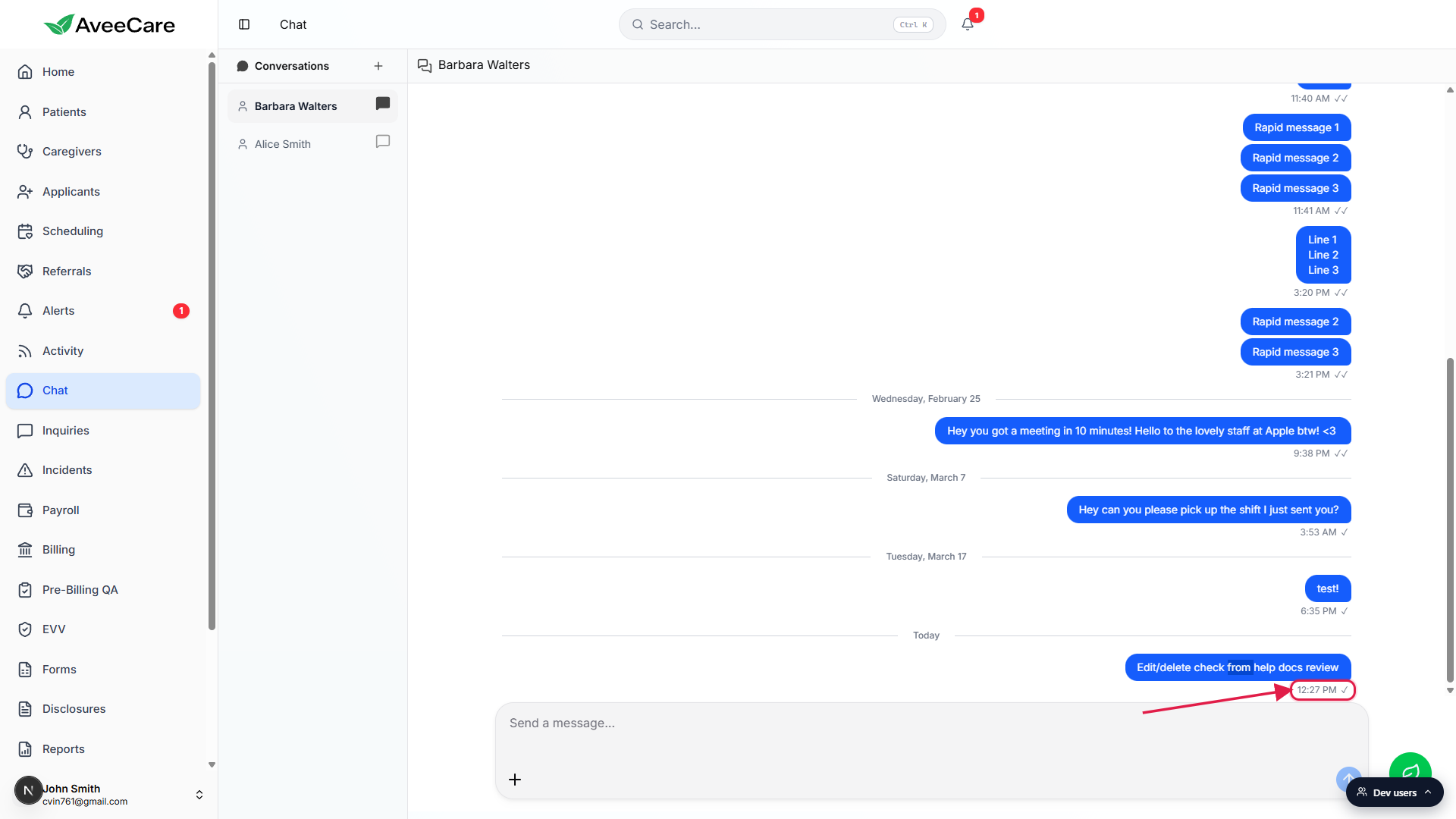
2. Look at the bubble after the 10-minute mark
Scroll up to a message from a previous day.
Anything past the planned 10-minute window in the live app today looks identical to a message you just sent a second ago. There is no lock icon, no greyed-out treatment, no edited tag, no removed placeholder. The bubble is the same static shape with the same timestamp plus checkmark row.Compare it side-by-side with a brand new message.
Because edit and delete are not wired up yet, there is no difference between an in-window bubble and a long-locked one. That means there is also nothing to do or not do differently while you are inside the 10 minutes. Treat every message as final the moment you hit send.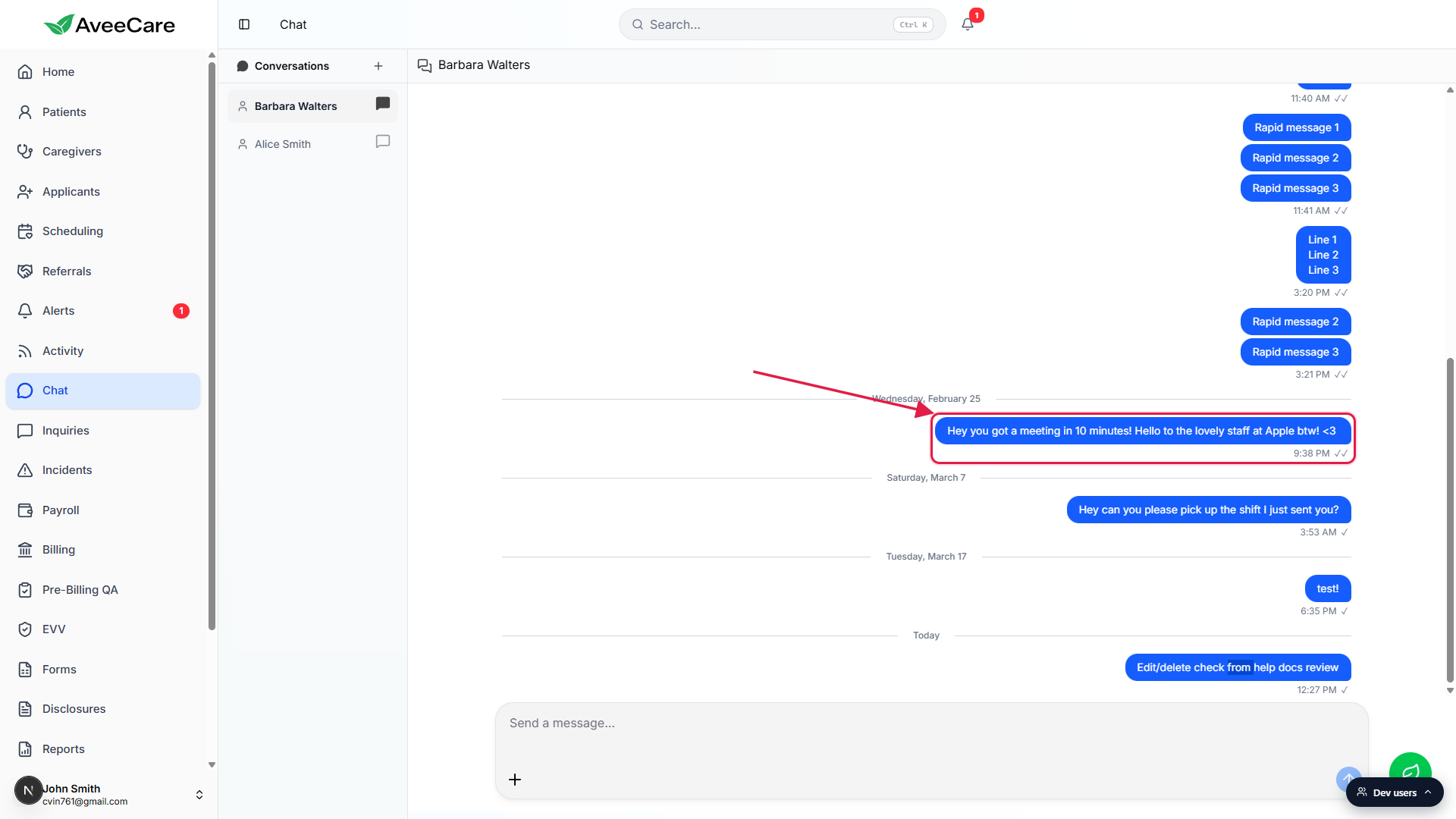
3. Retract a message today (workarounds)
Send a short follow-up that fixes the typo or retracts the sentence.
For a typo or wrong fact, the fastest path is a follow-up message in the same thread like “ignore that, meant Wednesday not Thursday.” The original stays in the history, the correction sits right under it, and the recipient sees both in order.For sensitive content, ask an admin to remove it through audit channels.
If a message contains content that needs to be taken down for HIPAA reasons or to correct an internal record, ask your AveeCare admin. They can request a removal from the message audit log through support. There is no self-service delete in the dashboard at this time.Keep the planned window in mind for the future.
The product direction is a 10-minute self-service edit and delete window followed by a locked, audit-friendly state. Once it ships, this page will update with the exact pencil, trash, and edited-tag interactions and the matching shots from the live dashboard.
Common pitfalls
- Hovering or right-clicking and expecting a menu. The bubble does not open a context menu on hover or right-click today. If you are looking for an Edit or Delete action and not finding it, that is by design for now, the feature has not landed.
- Assuming a long-ago message looks different. The thread does not mark old messages as locked or greyed out. Every sent bubble looks the same regardless of age. Use the date dividers in the thread to keep track of when something was actually sent.
- Sending sensitive content meant for a different recipient. Because there is no self-service delete, double-check the conversation in the sidebar before you hit Enter. Chat is office-internal, but a wrong-recipient message still has to be retracted manually with a follow-up.
- Counting on Shift plus Enter to save a draft. Shift plus Enter inserts a new line in the composer but does not save the draft anywhere. If you navigate away from the conversation, the draft is gone. Finish the message before you switch threads.