Recurring Visits
Set up visit patterns once and let AveeCare populate your calendar automatically. Daily, weekly, biweekly, or monthly — with full control over exceptions and modifications.
Try Scheduling in DemoCreating Recurring Patterns
When scheduling a visit, toggle on the "Recurring" option to set up a repeating pattern. AveeCare supports four recurrence types to cover every scheduling need.
Visit repeats every day or every N days. Common for patients needing daily personal care or medication reminders.
Example: Every day at 9:00 AM
Visit repeats on specific days of the week. The most common pattern for home care scheduling.
Example: Every Monday, Wednesday, Friday
Visit repeats every two weeks on the same day(s). Useful for patients with less frequent care needs.
Example: Every other Tuesday
Visit repeats once per month on a specific date or day of the week. Good for monthly wellness checks.
Example: 1st Monday of every month
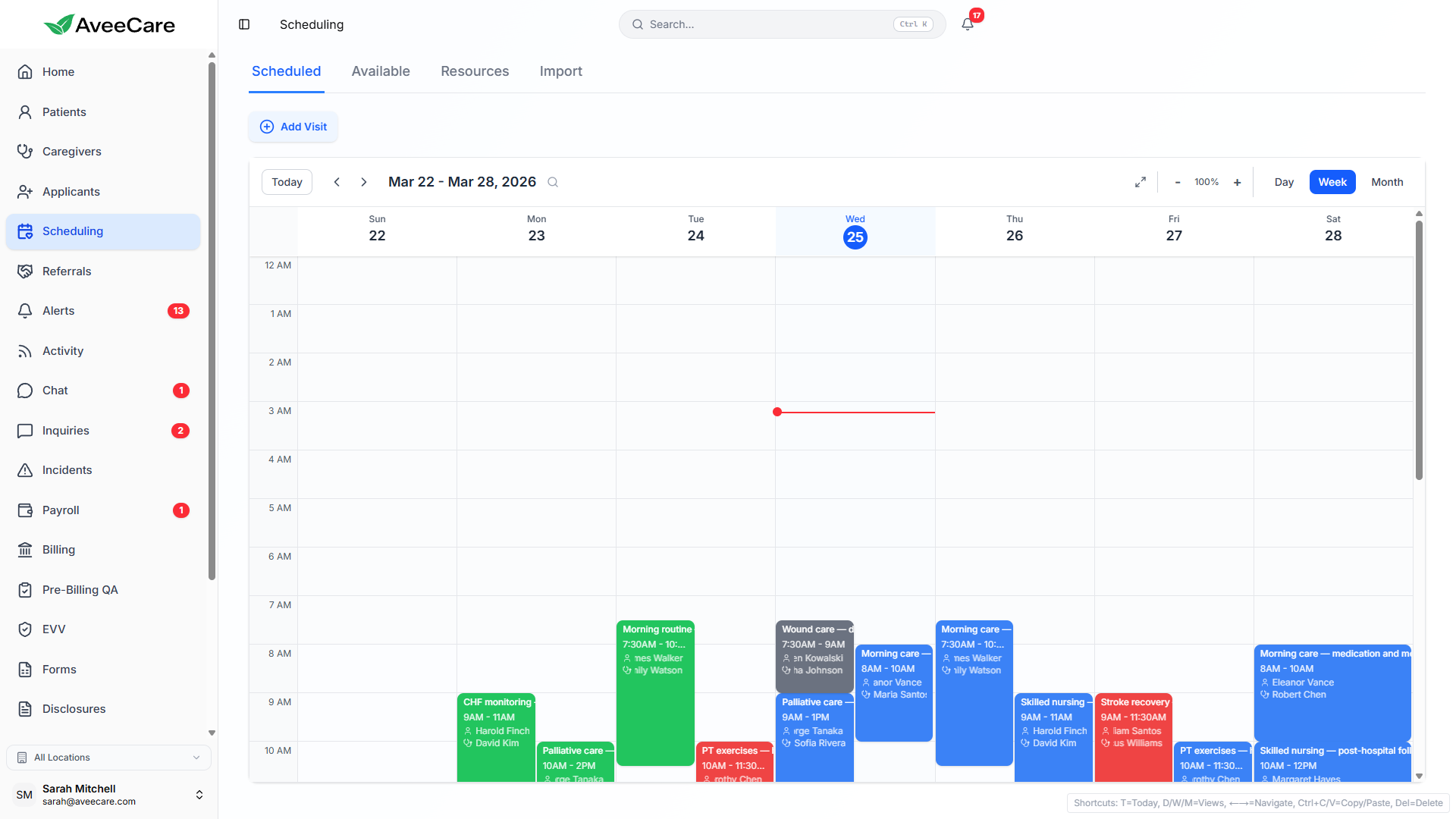
Editing Single vs. Entire Series
Edit This Visit Only
Change the time, caregiver, or details for a single occurrence without affecting the rest of the series. The modified visit becomes an exception in the pattern.
- Change the caregiver for just one day
- Adjust the time for a single occurrence
- Add special notes for one visit
- Other visits in the series remain unchanged
Edit Entire Series
Update the recurring pattern itself. Changes apply to all future occurrences in the series, making it easy to adjust ongoing care schedules.
- Change the default caregiver for all visits
- Update the recurrence pattern (e.g., weekly to biweekly)
- Modify the default time or duration
- Past visits remain unchanged
Date Exceptions
Real-world scheduling rarely follows a perfect pattern. AveeCare lets you add or remove specific dates from a recurring series without breaking the overall pattern.
Adding exceptions
- Skip specific dates (e.g., holidays, patient vacations)
- Add extra one-off visits outside the regular pattern
- Change the caregiver for specific dates only
- Adjust times for individual occurrences
- Exceptions are clearly marked on the calendar
Deleting Recurring Visits
When you delete a recurring visit, AveeCare gives you three options so you always have the right level of control.
This Visit Only
Removes just the single occurrence you selected. The rest of the recurring series continues as normal.
This & Future Visits
Removes the selected visit and all future occurrences. Past visits in the series are preserved for records.
All in Series
Removes every occurrence in the entire recurring series, including past visits. Use with caution.
Bulk Scheduling
Need to set up schedules for multiple patients or caregivers at once? Bulk scheduling lets you create many recurring visit series in a single workflow, saving hours of manual setup.
- Create recurring visits for multiple patients simultaneously
- Apply the same schedule template across a group of patients
- Assign caregivers in bulk based on availability and skills
- Preview all visits before confirming the bulk creation
- Conflict detection runs across all visits in the batch
All scheduling features included at $6/client/month.
No add-on fees, no per-visit charges, no long-term contracts.