Intake Workflows
Streamline patient onboarding with digital intake forms that auto-populate profiles. Send remote onboarding links, assign forms company-wide or per-patient, and track every response.
Try Forms in DemoPatient Intake Forms
Create intake forms that collect all the information you need during patient onboarding. When a patient or their family fills out an intake form, AveeCare automatically populates the patient's profile with the submitted data — eliminating manual data entry and reducing errors.
What gets auto-populated
- Patient demographics (name, date of birth, address)
- Emergency contact information
- Allergies and medication lists
- Insurance and billing details
- Care preferences and special instructions
- Medical history and physician information
Remote Onboarding Links
Generate a secure URL and send it to patients or their family members so they can fill out intake forms from the comfort of home. No login required — just open the link, complete the form, and submit.
Generate Link
Create a unique, secure URL for each patient's intake form. Share it via email, text message, or print it for in-person handoff.
Fill From Home
Patients or family members complete the form at their own pace on any device. No app download or account creation needed.
Auto-Import
Submitted responses automatically flow into the patient's profile. Your team is notified when a form is completed.
Form Assignment
Assign intake forms at the company level (applied to all new patients) or on a per-patient basis for specialized workflows. This gives you flexibility to standardize intake across your agency while accommodating unique requirements.
Company-Wide Assignment
Set default intake forms that every new patient receives automatically. Ensures consistent data collection across your entire agency.
Patient-Specific Assignment
Assign additional forms to individual patients based on their care type, insurance requirements, or special needs. Layer these on top of company-wide forms.
Response History & Timestamps
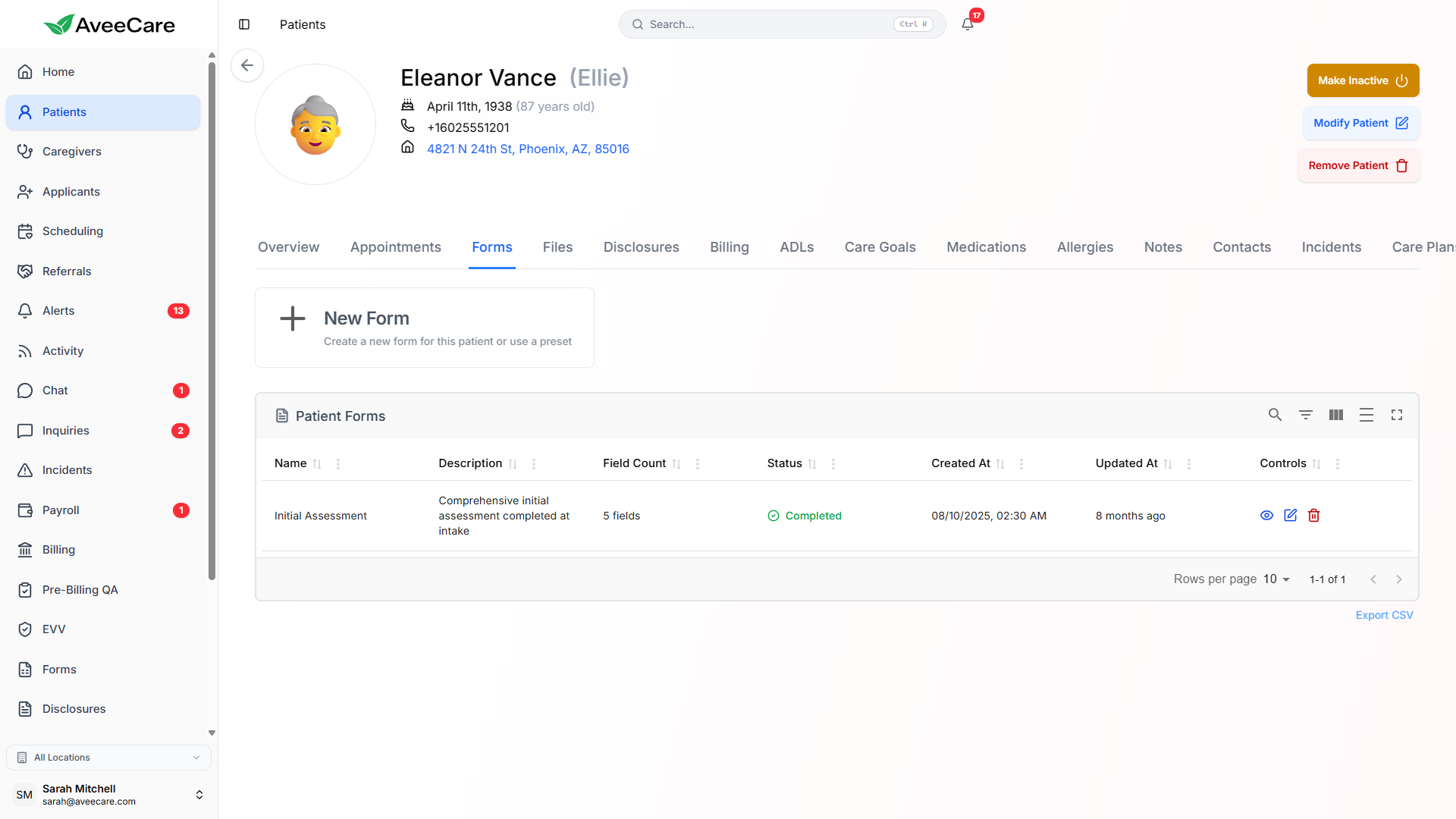
Every form submission is timestamped and stored permanently. View the complete history of all intake form responses for any patient, including who submitted the form and when.
- Full response history with submission timestamps
- Track who submitted each form (patient, family member, or staff)
- Compare responses across multiple submissions
- Download or export form responses as needed
- All data retained for compliance and audit purposes
How Intake Data Flows Into Patient Records
When a patient completes an intake form, AveeCare intelligently maps form responses to the corresponding patient profile fields. This means your team never has to manually re-enter information that the patient already provided.
Patient fills out the intake form via onboarding link or in-person tablet. Enters name, DOB, address, emergency contacts, allergies, etc.
The system matches form responses to patient profile fields automatically. Mapped data is pre-populated and ready for review.
Patient profile is updated with intake data. Your team gets notified, and the caregiver has a complete profile before the first visit.
All forms features included at $6/client/month.
No add-on fees, no per-form charges, no long-term contracts.