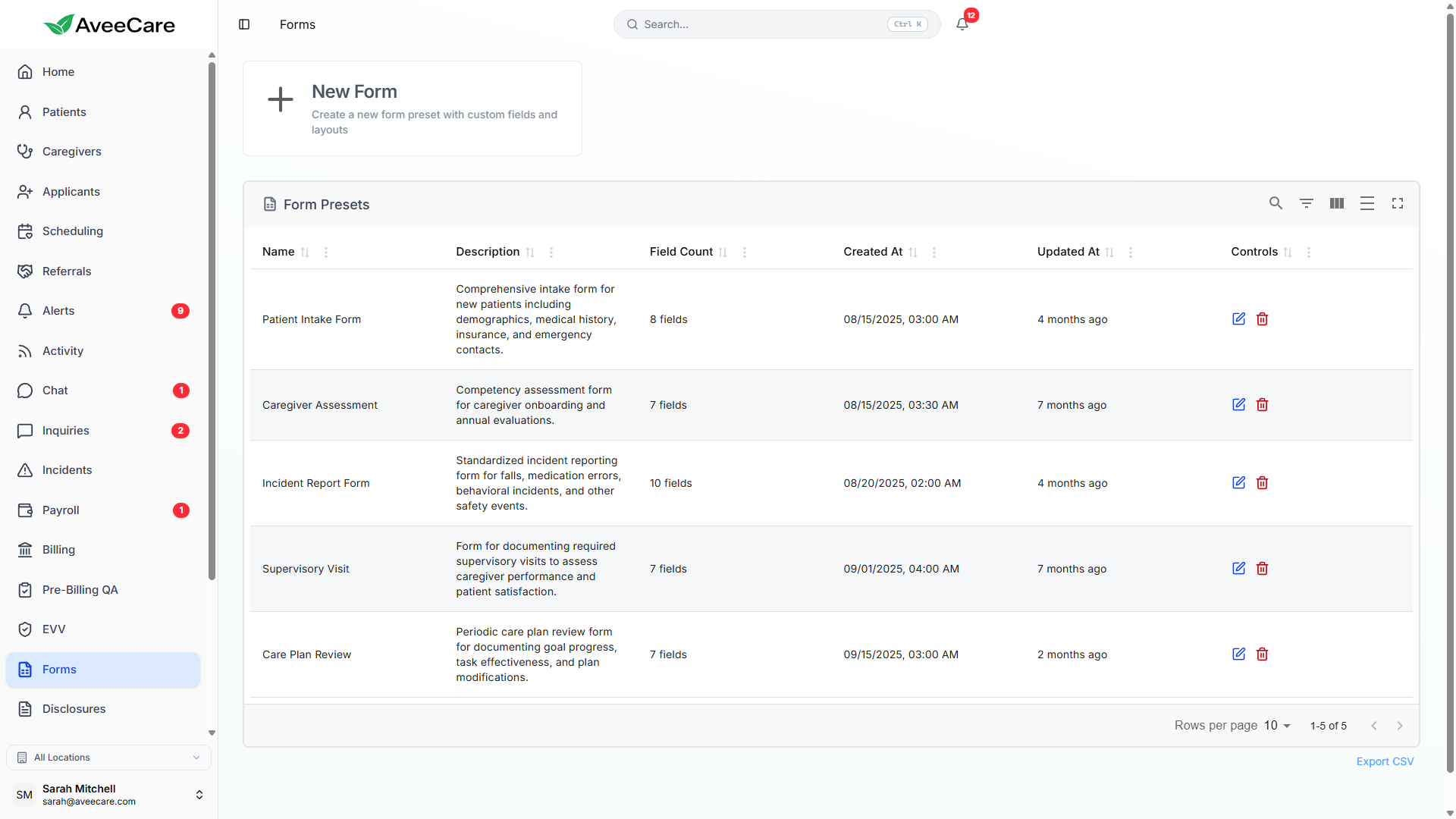
Form Builder
Create custom digital forms with a drag-and-drop editor, AI-powered field suggestions, conditional logic, and PDF OCR to digitize your existing paper forms. No coding or design skills required.
Try Forms in DemoDrag-and-Drop Form Creation
Build forms visually by dragging field types onto your canvas and arranging them in any order. Each field can be configured with labels, placeholder text, required/optional toggles, default values, and validation rules.
How it works
- Select a field type from the sidebar palette
- Drag it onto the form canvas to position it
- Configure field label, placeholder, and validation
- Set fields as required or optional
- Add default values for pre-populated responses
- Reorder fields by dragging them up or down
Supported Field Types
AveeCare supports 9 field types to cover every kind of data your forms need to collect — from simple text inputs to electronic signatures and file uploads.
Single-line text input for short responses like names or IDs.
Multi-line text area for longer responses like notes or descriptions.
Select one option from a predefined list of choices.
Multi-select with checkboxes for choosing multiple options.
Single-select with radio buttons for mutually exclusive choices.
Date picker for selecting dates like birthdays or start dates.
Numeric input for quantities, ages, or other numerical data.
Electronic signature capture pad for consent and acknowledgment.
Upload documents, images, or other files as part of a form response.
AI-Powered Field Suggestions
AveeCare's AI assistant helps you build forms faster by suggesting relevant fields based on the form type you're creating. Describe what you need, and the AI generates a complete form layout with appropriate field types, labels, and validation rules.
- Describe your form in natural language and get instant field suggestions
- AI selects the most appropriate field type for each data point
- Validation rules are pre-configured based on field context
- Edit, reorder, or remove any suggested field before publishing
Conditional Logic
Make your forms smarter with conditional logic that shows or hides fields based on previous answers. This keeps forms concise and relevant for each respondent.
Show/Hide Fields
Conditionally display fields based on answers to previous questions. Only show what's relevant to each respondent.
Branching Paths
Create different form paths based on responses. A "Yes" answer can reveal follow-up questions that "No" does not.
Dynamic Validation
Change validation rules dynamically. Make a field required only when certain conditions are met by other field values.
Templates, Presets & Version Management
Form Presets & Templates
- Start from pre-built templates for common home care forms
- Save any custom form as a reusable template
- Share templates across your organization
- Customize templates to match your agency's specific needs
Version Management
- Track changes to forms over time with version history
- See who made changes and when they were published
- Roll back to previous versions if needed
- Active forms remain live while you edit drafts
PDF OCR Digitization
Already have paper forms? Upload them as PDFs and let AveeCare's OCR engine extract the text. The system provides semi-automated field mapping to help you quickly convert your existing paperwork into fully digital, fillable forms.
- Upload any PDF of an existing paper form
- OCR extracts text, labels, and structure from the document
- Semi-automated field mapping suggests digital field types for each item
- Review and adjust mappings before publishing the digital version
- Eliminate manual recreation of forms you already use
All forms features included at $6/client/month.
No add-on fees, no per-form charges, no long-term contracts.