Hiring & Onboarding
Convert applicants to active caregivers with one click. AveeCare handles profile creation, credential transfer, schedule setup, and system access — so your new hires can start working immediately.
Try Recruitment in DemoOne-Click Conversion
When an applicant reaches the "Hired" stage, a single click converts them from an applicant to an active caregiver in your system. No duplicate data entry, no manual profile creation — everything transfers automatically.
What happens when you click "Convert"
- A new caregiver profile is created instantly
- Contact details, certifications, and documents transfer over
- Background check results and reference feedback are preserved
- The applicant record is marked as "Hired" and archived
- The new caregiver appears in your active staff list
Automatic Profile Creation & Credential Transfer
The conversion process automatically creates a full caregiver profile populated with all the data collected during the recruitment process. Credentials, documents, and compliance records transfer seamlessly.
Name, phone, email, address, emergency contacts, and all demographic details from the application.
Certifications, licenses, training records, resume, and all uploaded documents — with expiration dates intact.
Background check results, reference check feedback, and any compliance-related data collected during hiring.
Background Check Requirements
AveeCare enforces background check completion before an applicant can be converted to an active caregiver. This safeguard ensures no one starts working without proper vetting.
- Conversion is blocked until background check passes
- Clear visual indicators show background check status
- Failed background checks prevent conversion automatically
- Override option available for administrators with appropriate permissions
- Background check expiration dates tracked post-conversion
Initial Schedule Setup
After conversion, set up the new caregiver's initial availability and assign them to their first patients and shifts.
- Set weekly availability and preferred hours
- Assign to initial patient caseload
- Schedule first shifts and orientation visits
System Access Provisioning
Grant the new caregiver access to AveeCare with appropriate role-based permissions.
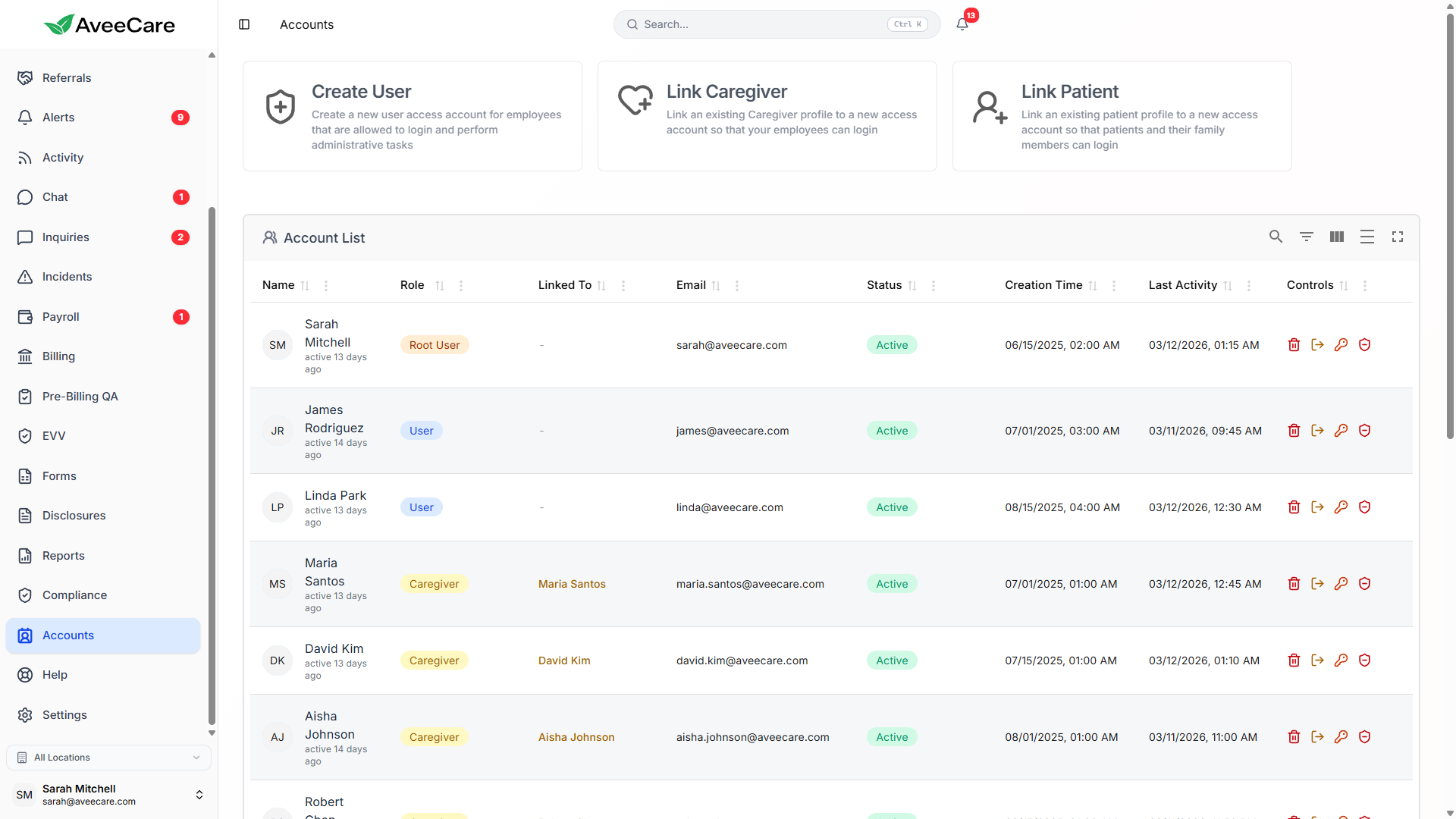
- Create login credentials for the caregiver
- Assign role-based permissions and access levels
- Enable mobile app access for field caregivers
All recruitment features included at $6/client/month.
No add-on fees, no per-applicant charges, no long-term contracts.