Patient Profiles
Every patient gets a comprehensive 18-tab profile that organizes demographics, medical history, care plans, appointments, billing, documents, and contacts in one place. No more searching through paper files or jumping between systems.
Try Patients in DemoPatient Overview
The overview tab is the first thing you see when opening a patient profile. It displays the patient's demographics, address, phone number, profile picture, and quick-access links to key information like upcoming appointments and active care plans.
What you'll find in the overview
- Full name, date of birth, and gender
- Home address with map integration
- Phone numbers and email addresses
- Profile picture upload
- Active/inactive patient status toggle
- Quick links to recent appointments and notes
- Primary caregiver assignment
- Insurance information at a glance
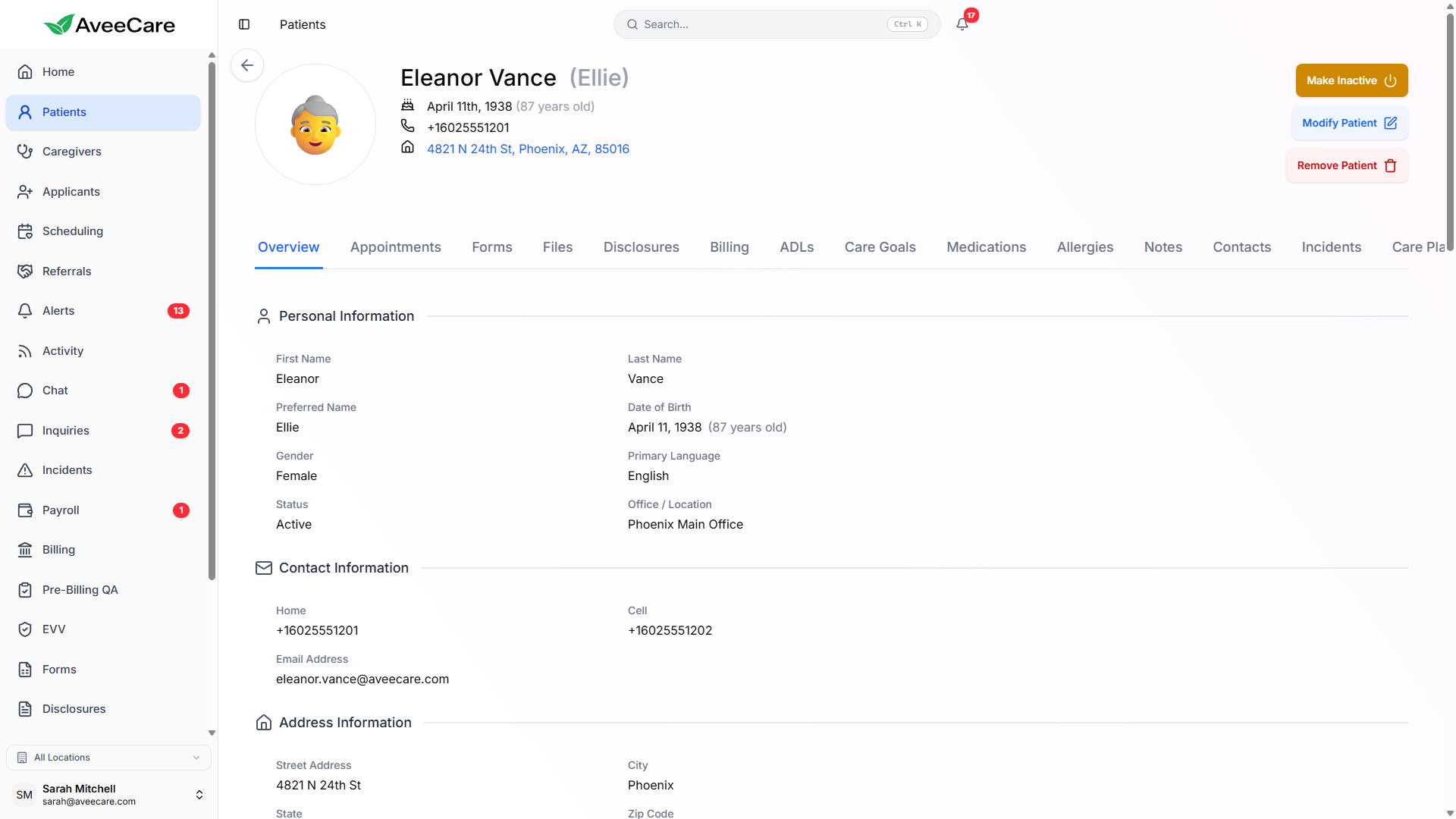
18 Profile Tabs
Every patient profile in AveeCare is organized into 18 dedicated tabs. Each tab focuses on a specific area of patient care, so you can quickly find what you need without scrolling through a single long page.
Demographics, address, phone number, and profile picture.
Upcoming and past visits with scheduling details.
Invoices, payment history, and billing preferences.
Searchable visit notes from all caregivers.
Emergency contacts, insurance contacts, and representatives.
Incident reports and follow-up documentation.
Activities of Daily Living tracking and defaults.
Goals with progress measurement and outcomes.
Allergy list with severity and reaction details.
Medication list with dosages and schedules.
Disclosure agreements and signed documents.
Active and archived care plans for the patient.
Prior authorizations with expiration tracking.
Hospitalization history with dates and details.
Progress tracking across care goals over time.
Custom intake forms assigned to the patient.
Uploaded documents, images, and attachments.
Audit log of all changes made to the patient record.
Managing Patients
Adding a New Patient
- Click "Add Patient" from the patient list
- Enter basic demographics (name, DOB, address)
- Optionally upload a profile picture
- Assign a primary caregiver
- Set up billing preferences and insurance
Editing Patient Info
Click any field in the patient profile to edit it inline. Changes are saved automatically. All edits are logged in the Activity tab with timestamps and the user who made the change.
Active / Inactive Status
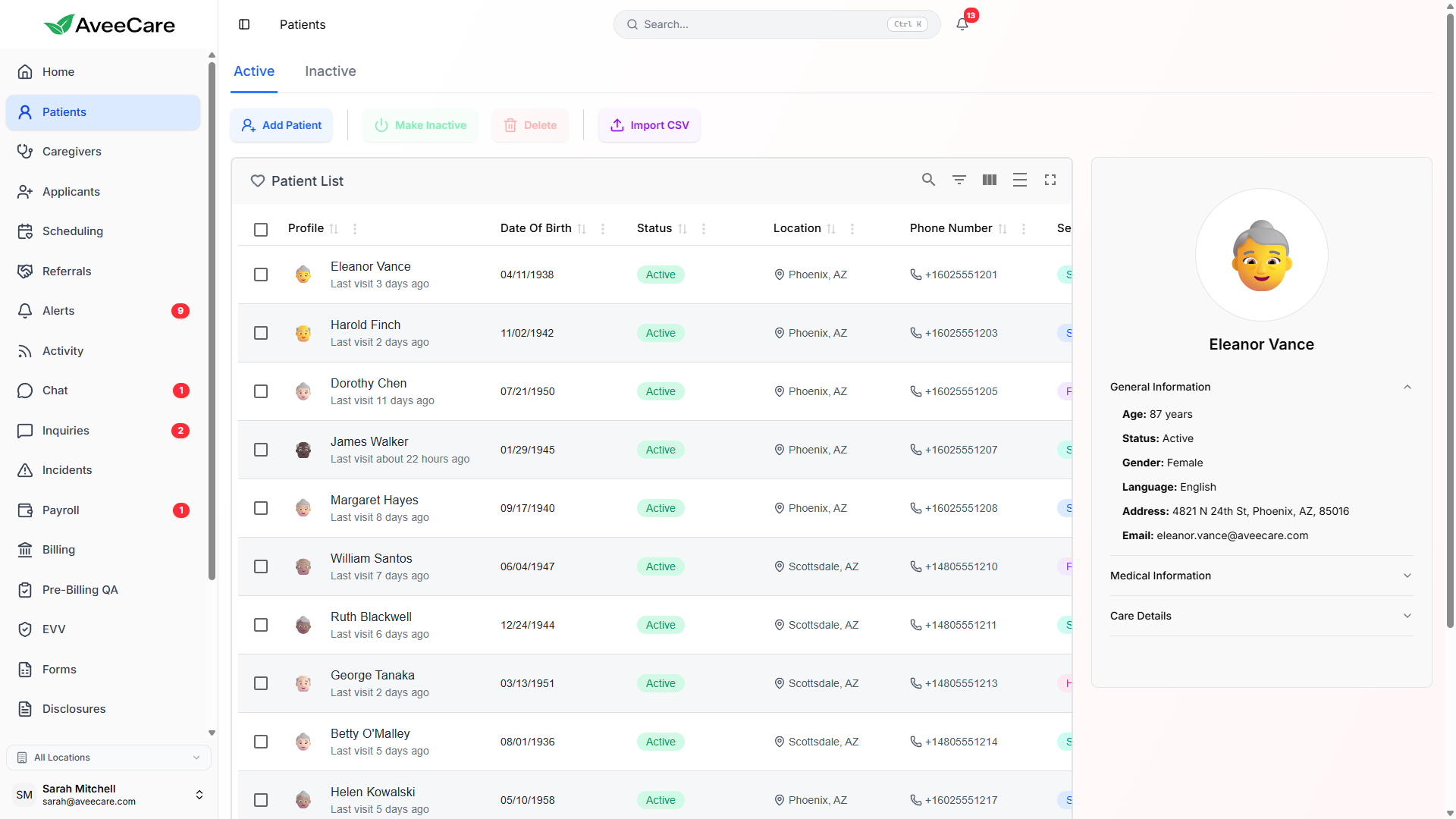
Toggle patients between active and inactive status. Inactive patients are hidden from the default patient list and scheduling views, but their full records are preserved and accessible at any time. This keeps your active patient list clean.
All patient management features included at $6/client/month.
No add-on fees, no per-patient charges, no long-term contracts.