Intake & Onboarding
Custom intake forms with AI-assisted creation, remote onboarding links for self-service completion, automatic profile population, and billing setup — all built into the patient onboarding workflow.
Try Patients in DemoPatient Intake Forms
Create custom intake forms tailored to your agency's needs. AveeCare's form builder lets you design forms with various field types, conditional logic, and required fields — or let the AI assistant build one for you.
Form builder features
- Drag-and-drop form builder with field types (text, dropdown, checkbox, date, signature, etc.)
- AI-assisted form creation — describe what you need and the AI builds it
- Conditional logic to show/hide fields based on answers
- Required vs. optional fields with validation
- Digital signature capture for consent forms
- Preview forms before publishing
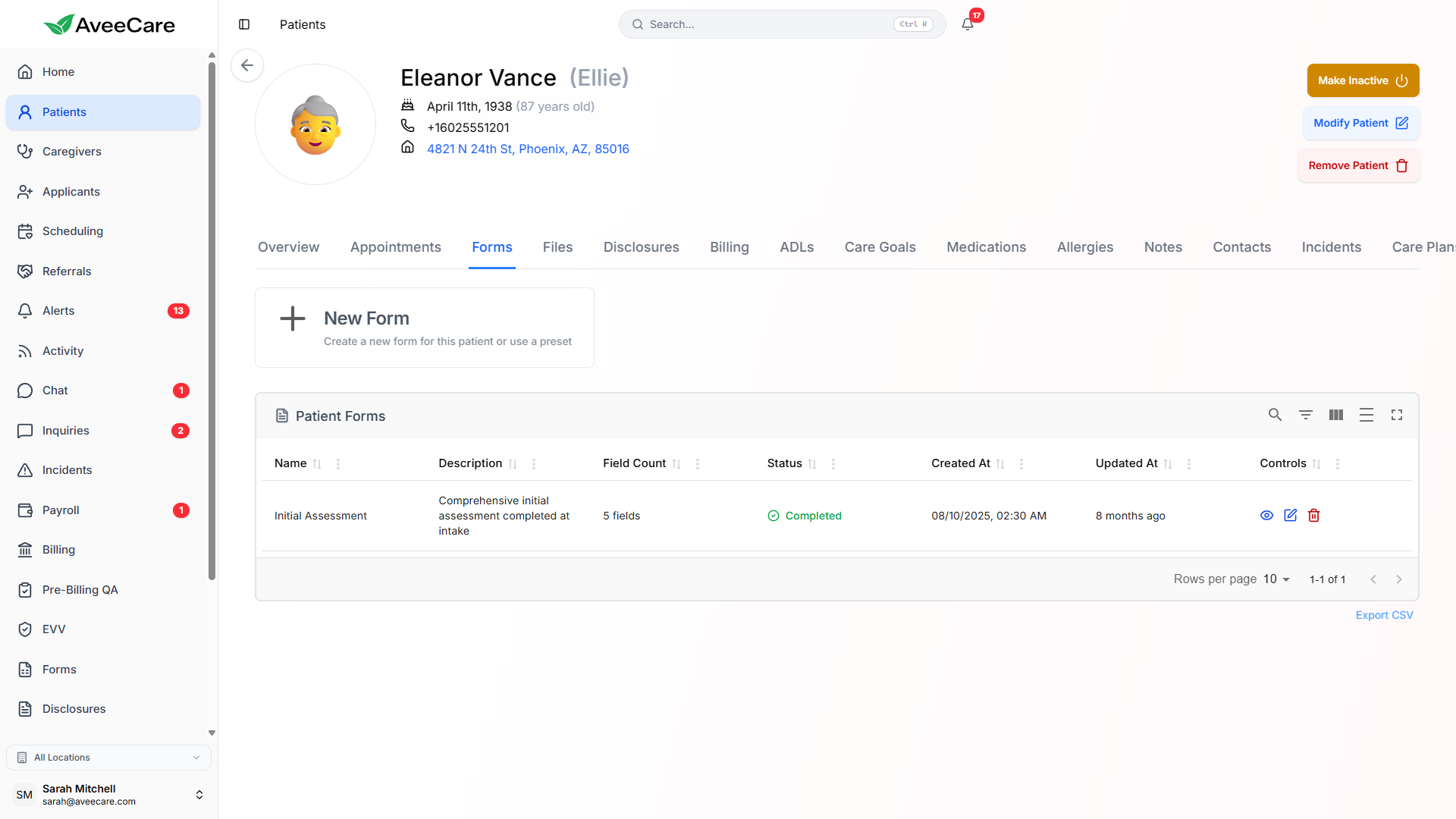
Remote Onboarding Links
Generate secure onboarding links that patients or their families can complete from any device. No account creation required — just open the link, fill out the forms, and submit. Perfect for onboarding patients before their first visit.
How remote onboarding works
- Generate a unique, secure onboarding link for each patient
- Send the link via email or text message
- Patients fill out intake forms from their phone, tablet, or computer
- No app download or account creation required
- Submissions are automatically linked to the patient record
- Office staff get notified when a submission is completed
Intake Forms Populate Profiles
When a patient completes an intake form, the submitted data can automatically populate fields in their patient profile. This eliminates double data entry and ensures that intake information flows directly into the patient record.
Auto-populated fields
- Demographics (name, DOB, gender, address)
- Phone numbers and email addresses
- Emergency contact information
- Insurance provider and policy details
- Medication list and allergies
- Medical history and current conditions
- Care preferences and special instructions
How it works
When designing intake forms, you can map form fields to patient profile fields. When the form is submitted, AveeCare automatically fills in the corresponding profile data. Staff can review and confirm the auto-populated data before finalizing.
Billing Setup During Onboarding
Set up patient-specific billing preferences during the onboarding process. This includes payment method, billing contact, service rates, and insurance information — so you're ready to bill from the very first visit.
Payment Method
Collect and store payment methods during intake. Patients can securely save a card on file for auto-billing from future visits.
Billing Contact
Designate who receives invoices — the patient, a family member, or another authorized representative. Different from the patient themselves.
Service Rates
Set patient-specific billing rates during onboarding. Override default company rates for individual patients when needed.
All patient management features included at $6/client/month.
No add-on fees, no per-patient charges, no long-term contracts.