Get started in minutes, not months.
Bulk imports, OCR scanning, and AI-powered form building make onboarding painless. Bring your existing data and be up and running fast.
Effortless Setup
Tools that make migration and onboarding simple
Bulk Patient Import
Import hundreds of patients at once from CSV, Excel, or existing systems. Smart mapping automatically matches your data fields.
OCR Document Scanning
Scan paper documents and let our AI extract the data automatically. Turn physical files into searchable digital records instantly.
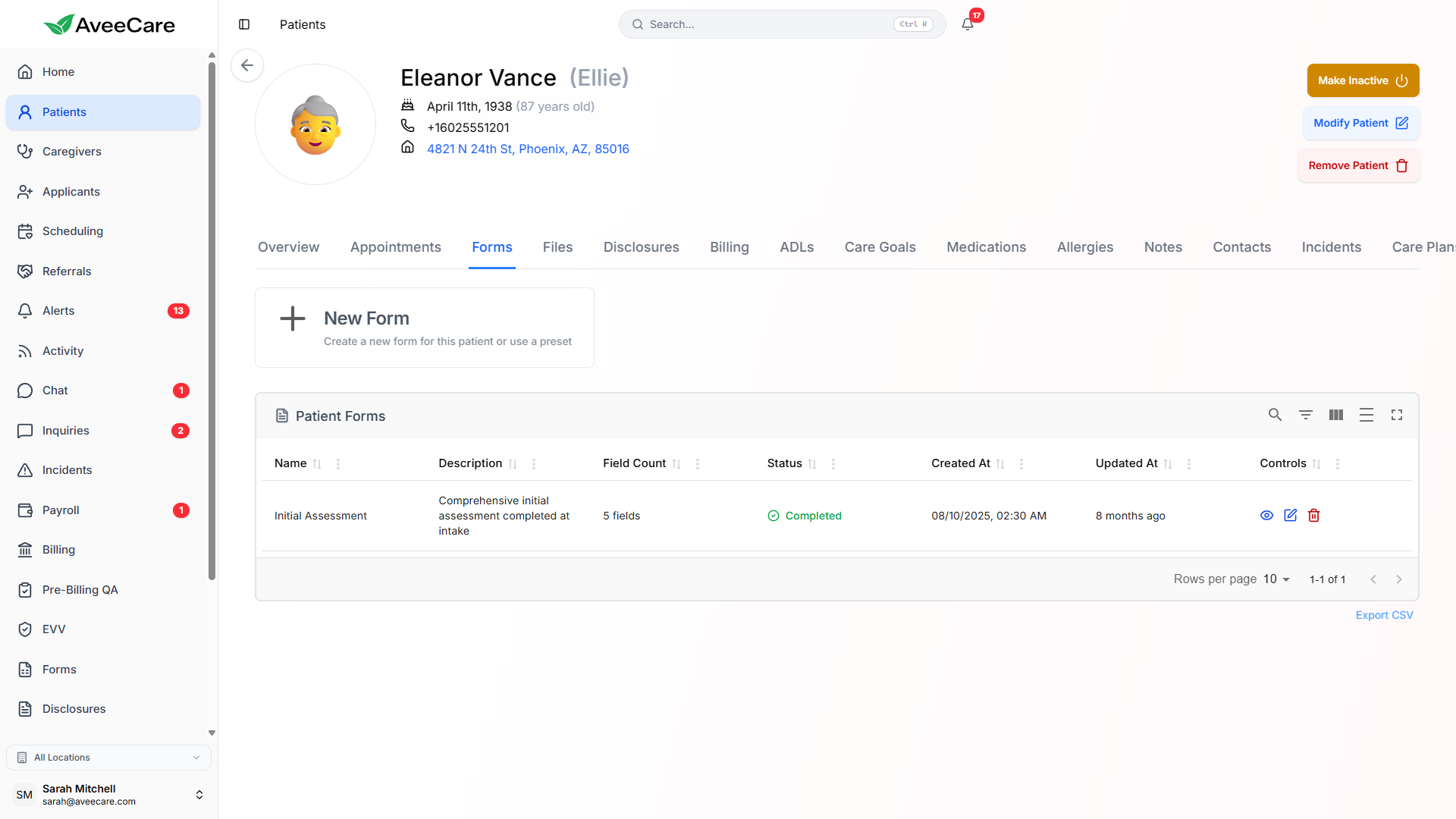
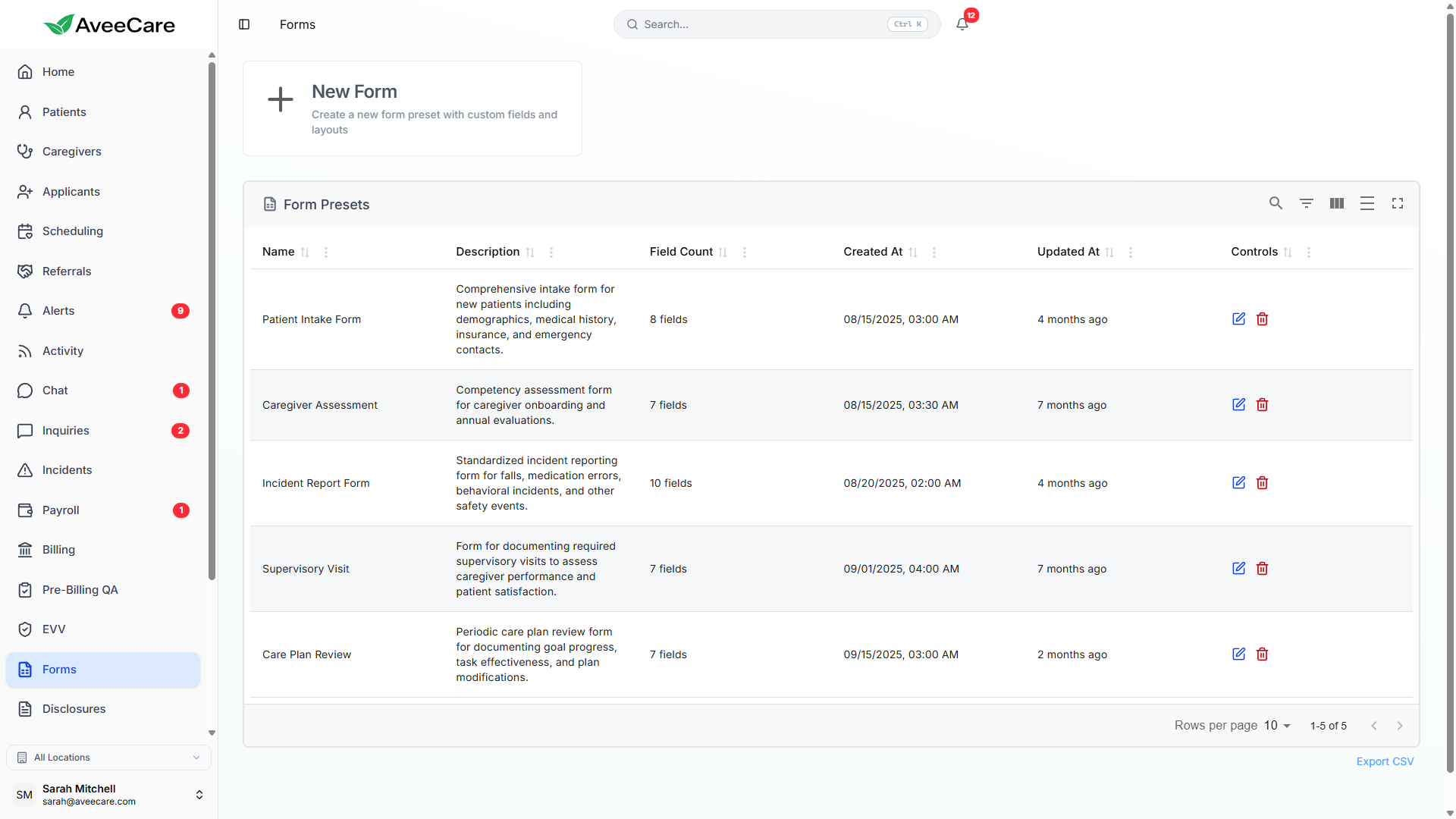
AI Form Builder
Describe the form you need in plain English and watch it appear. Create intake forms, assessments, and disclosures in seconds.
Document Templates
Pre-built templates for common home care documents. Customize as needed and ensure compliance from day one.
Everything you need to migrate
Whether you're coming from another system or starting fresh, we make it easy to get your data into AveeCare.
Simple three-step process
From signup to fully operational in record time
Upload your data
Import patients, caregivers, and existing records via CSV or our smart import tools.
Configure your forms
Use AI to generate custom forms or choose from our compliance-ready templates.
Start scheduling
Begin creating visits and let your caregivers download the mobile app.
Ready to get started?
Experience the easiest onboarding in home care software.
Import
Bring clients, caregivers and visits from your old system
The Import page turns spreadsheets from your previous software into AveeCare records, with a full preview before anything is created.
CSV and Excel files
Drop in a .csv, .xlsx or .xls export. Columns match up on their own, HomeTrak exports are recognised on sight, and anything unrecognised can be matched by hand.
Recurring schedules
Visits are matched to your clients and caregivers by name, and recurring schedules come across with their visit times intact.
Every row before it lands
Rows with problems or duplicates are flagged with a plain reason and left out unless you say otherwise. Anything not imported comes back as a report you can fix and re-import.
Import patient records