Data Collection
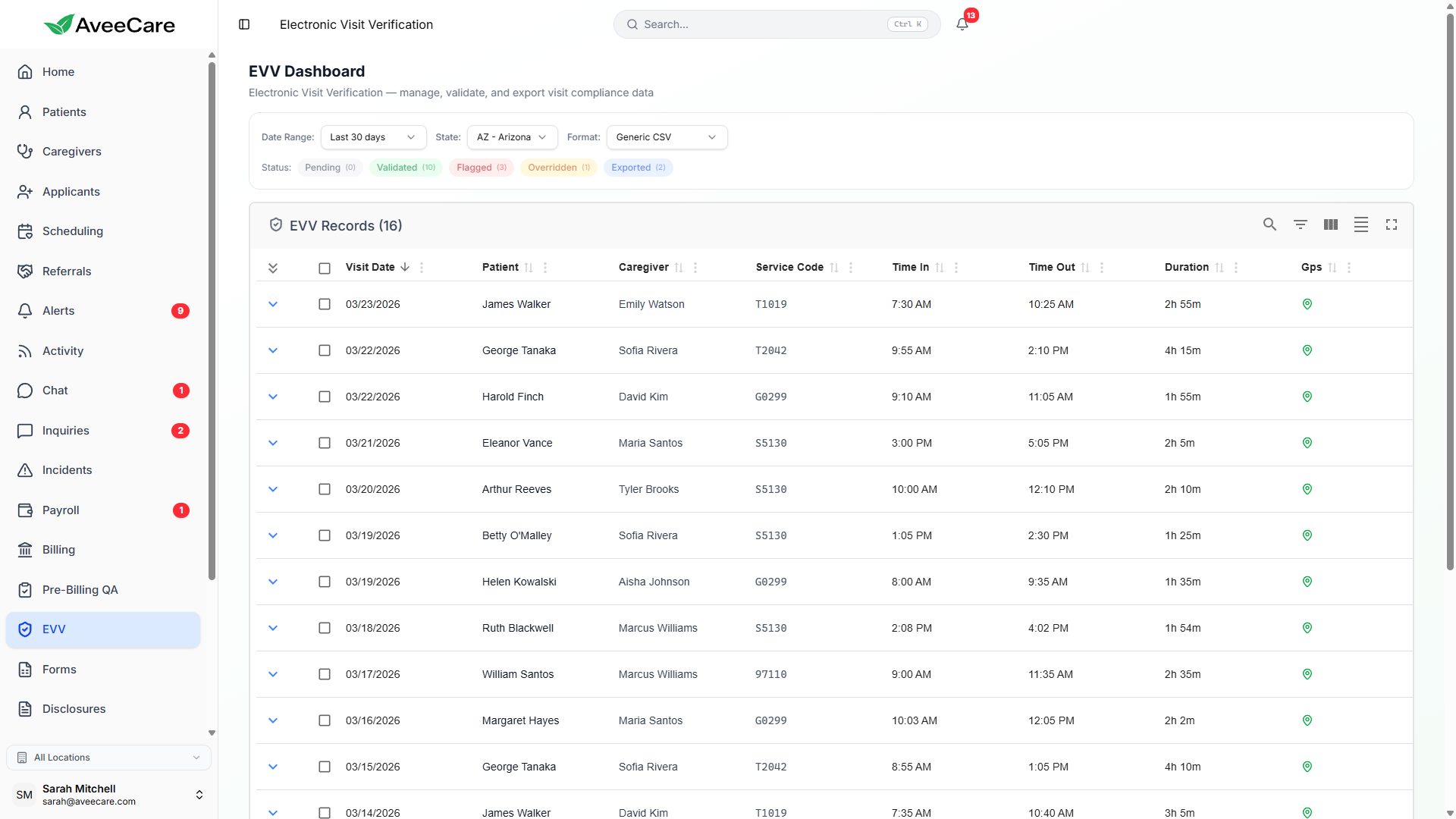
Every data point the 21st Century Cures Act requires — GPS coordinates, timestamps, signatures, PINs, voice recordings, and designee verification — captured automatically through the caregiver's mobile app.
Try EVV in DemoGPS & Geofence Validation
AveeCare captures GPS coordinates at both clock-in and clock-out. The system uses the Haversine formula to calculate the great-circle distance between the caregiver's location and the patient's registered address, comparing it against a configurable geofence radius.
How geofence validation works
- Patient address geocoded to lat/long coordinates
- Caregiver GPS captured at clock-in and clock-out
- Haversine distance calculated between the two points
- Distance compared against configurable radius (default 500 ft)
- If outside radius, visit is flagged with GPS_OUTSIDE_GEOFENCE
Clock-In / Clock-Out Timestamps
AveeCare records both the scheduled visit time and the actual clock-in/clock-out time. This allows automatic detection of early arrivals, late starts, short visits, and overtime — all of which are critical for EVV compliance.
Scheduled vs. Actual
What gets captured
- Device-local timestamp at clock-in
- Device-local timestamp at clock-out
- Scheduled start and end from the visit record
- Variance between scheduled and actual (auto-calculated)
- Timezone-aware storage for multi-state agencies
- Tamper-evident timestamps (device clock validated)
Verification Methods
AveeCare supports every verification method required by state EVV programs. Each method can be enabled or disabled per state or per patient to match your compliance requirements.
GPS Tracking with Geofence
GPS coordinates are captured at clock-in and clock-out. AveeCare uses Haversine distance formula to validate that the caregiver is within the configured radius of the patient's address.
Signature Capture
Both the caregiver and the patient (or designee) provide electronic signatures at the end of each visit, creating a verifiable record of service delivery.
PIN Verification
Patients are assigned a unique PIN that caregivers must enter at the point of service. This confirms the caregiver is physically present with the correct patient.
Voice Recording
Optional voice recording captures a brief audio confirmation from the patient, providing an additional layer of visit verification for states that require it.
Designee Verification
When a patient is unable to verify the visit themselves, a designated representative can provide signature or PIN verification on their behalf.
Member Unavailable Handling
When a patient is not available at the scheduled time, caregivers document the reason and any actions taken. The visit is flagged for review with an appropriate exception code.
Mobile EVV Wizard
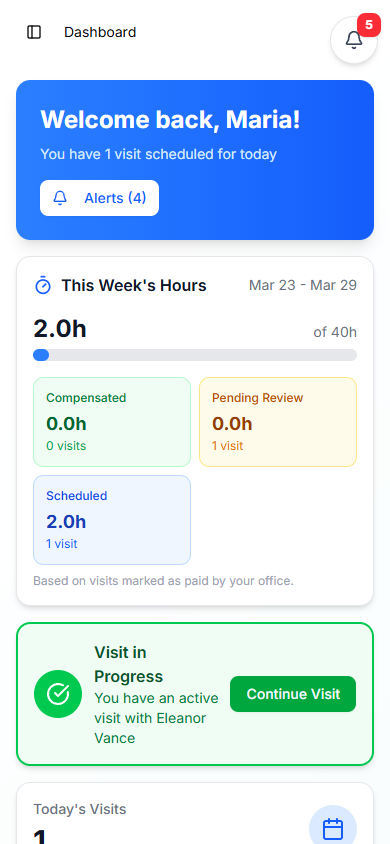
When a caregiver clocks out, the mobile app guides them through a step-by-step wizard that collects all required EVV data. The wizard adapts to the patient's state requirements and configured verification methods.
Task Documentation
The caregiver selects and documents the tasks performed during the visit from the patient's care plan. Each task can include notes and time spent.
Caregiver Signature
The caregiver provides their electronic signature confirming the services were delivered as documented.
Member Verification
The patient (or authorized designee) verifies the visit via signature, PIN, or voice recording. If unavailable, the caregiver documents the reason.
Exceptions
If any discrepancies exist (early/late arrival, GPS outside geofence, etc.), the caregiver selects an exception code and provides a reason.
Confirmation
A summary of all captured data is shown for review. The caregiver confirms and submits. Data syncs immediately or queues for offline sync.
All EVV features included at $6/client/month.
No per-visit charges, no add-on fees, no long-term contracts.