Scheduled Reports
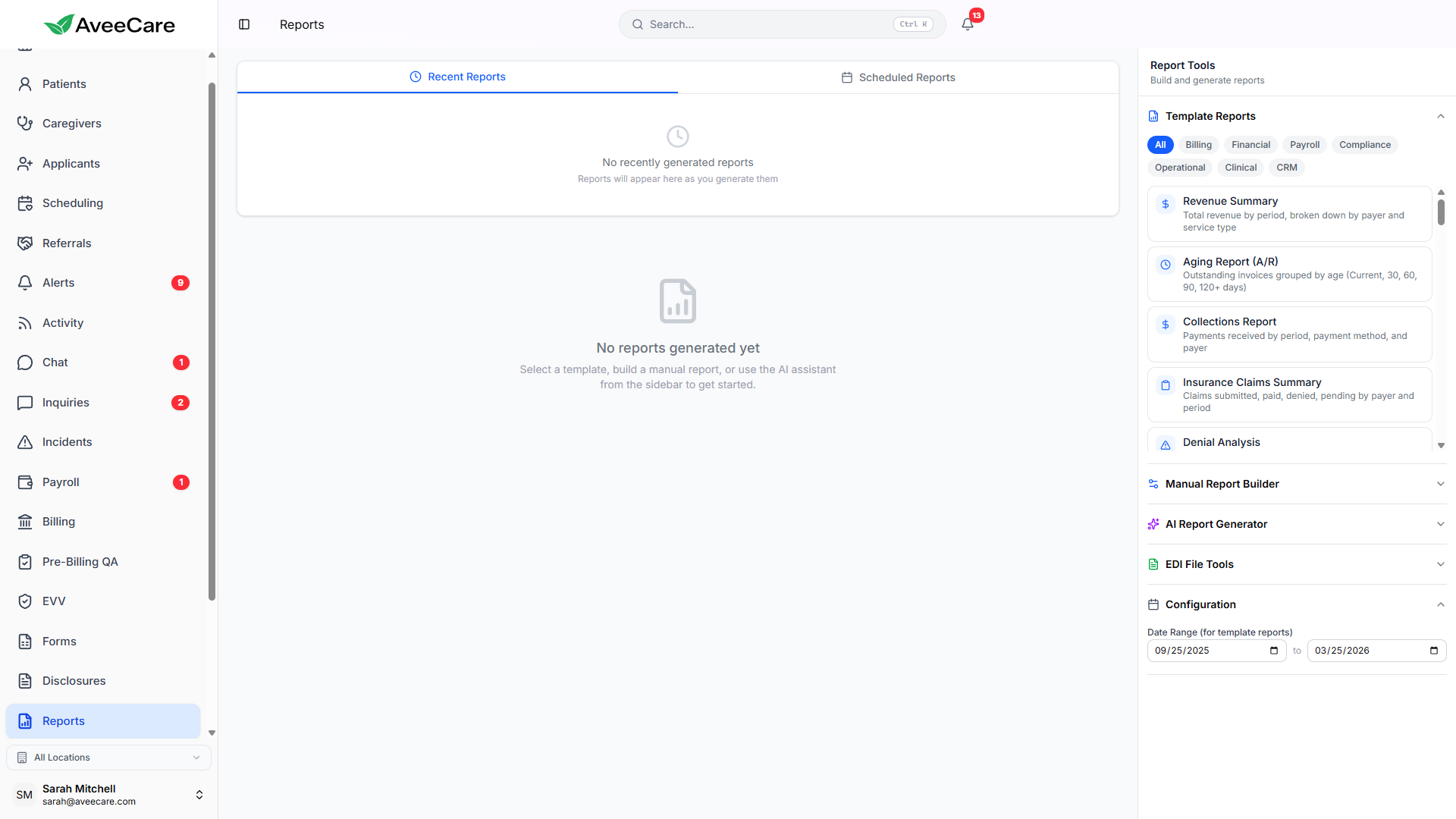
Set up recurring report generation and have reports delivered automatically to your inbox. Choose daily, weekly, or monthly frequency with custom configurations.
Try Reports in DemoSetting Up a Schedule
Create a scheduled report by selecting an existing report template or building a new custom report, then configuring the delivery schedule and recipients.
How to set it up
- Navigate to Analytics > Scheduled Reports
- Click "New Scheduled Report"
- Choose a saved report template or create a new one
- Select delivery frequency (daily, weekly, monthly)
- Add email recipients (team members or external)
- Choose export format (PDF, CSV, or Excel)
- Save and activate the schedule
Frequency Options
Choose how often your report is generated and delivered. Each frequency option includes a recommended use case.
Report generated and delivered every morning. Best for operational metrics like missed visits and real-time alerts.
Delivered every Monday morning. Ideal for visit summaries, caregiver hours, and weekly performance reviews.
Delivered on the 1st of each month. Perfect for billing summaries, revenue reports, and compliance documentation.
Email Delivery
Multiple Recipients
Add any number of email recipients. Include team members, office managers, or external stakeholders who need the data.
Format Options
Choose PDF for formatted reports with charts, CSV for raw data import, or Excel for formatted workbooks with multiple sheets.
Delivery Time
Reports are generated and delivered in the early morning hours so they're waiting in your inbox when you start your day.
Generation History
View a complete history of every scheduled report that has been generated. Download past reports, check delivery status, and troubleshoot any issues.
- View all previously generated reports with timestamps
- Download any past report in its original format
- See delivery status (sent, failed, pending)
- Re-send a report to recipients if needed
- Pause or deactivate schedules without deleting them
All reporting features included at $6/client/month.
No add-on fees, no per-report charges, no long-term contracts.