Custom Report Builder
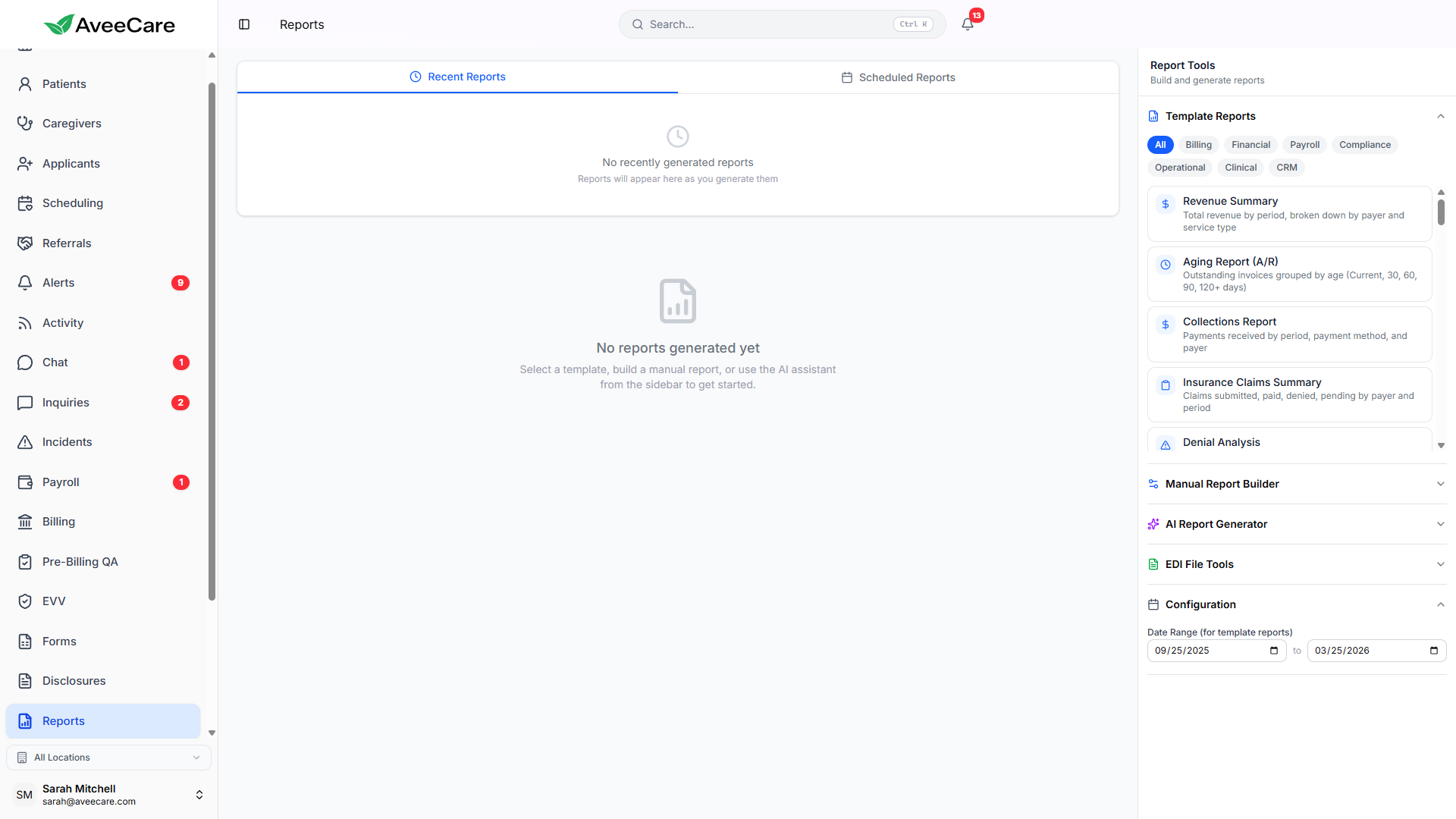
Build exactly the report you need. Select your data source, choose metrics and dimensions, apply filters, pick a visualization, and export or share with your team.
Try Reports in DemoBuilding a Report
The report builder walks you through a step-by-step process. Start by choosing your data source, then select the specific metrics and dimensions you want to analyze.
Available data sources
- Visits — completed, cancelled, and scheduled
- Patients — demographics, care plans, and status
- Caregivers — hours worked, performance, and availability
- Billing — invoices, payments, and revenue
- Payroll — entries, hours, and compensation
- Incidents — reports, categories, and resolution
Filters & Dimensions
Narrow your report to exactly the data you need. Combine multiple filters for precise analysis.
Date Range
Filter by any date range — last 7 days, this month, custom range, or year-to-date.
Office / Location
Filter by specific office locations if your agency operates across multiple sites.
Caregiver
Narrow results to a specific caregiver or group of caregivers.
Patient
Focus on data related to a specific patient or patient group.
Service Type
Filter by service type such as personal care, companion care, or skilled nursing.
Status
Filter by record status — active, completed, cancelled, pending, etc.
Visualization Types
Choose how your data is presented. Each visualization type is interactive — hover for details, click to drill down, and resize for different layouts.
Table
Rows and columns with sortable headers. Best for detailed data review and comparison.
Bar Chart
Vertical or horizontal bars for comparing values across categories like offices or caregivers.
Pie Chart
Proportional breakdown of a single metric. Great for showing distribution of visit types or revenue sources.
Line Chart
Trend lines over time. Ideal for tracking metrics like visit count, revenue, or hours over weeks or months.
Export & Share
Export Formats
- PDF — formatted report with charts and branding
- CSV — raw data for spreadsheet import
- Excel (.xlsx) — formatted workbook with data tables
- Print — browser print dialog with optimized layout
Share with Team
- Share reports with specific team members by email
- Set view-only or edit permissions on shared reports
- Recipients get a link to the live report in AveeCare
- Shared reports update automatically with fresh data
All reporting features included at $6/client/month.
No add-on fees, no per-report charges, no long-term contracts.