Custom Home Care Reports Builder: 24 templates agencies actually use
A filterable gallery of the custom home care reports we see real agencies running every week, plus a live AI-assisted builder preview.
Quick answer
Most agencies need 8–12 reports in rotation. Modern platforms include them; legacy vendors charge $200–$1,000 each. See 24 templates ↓
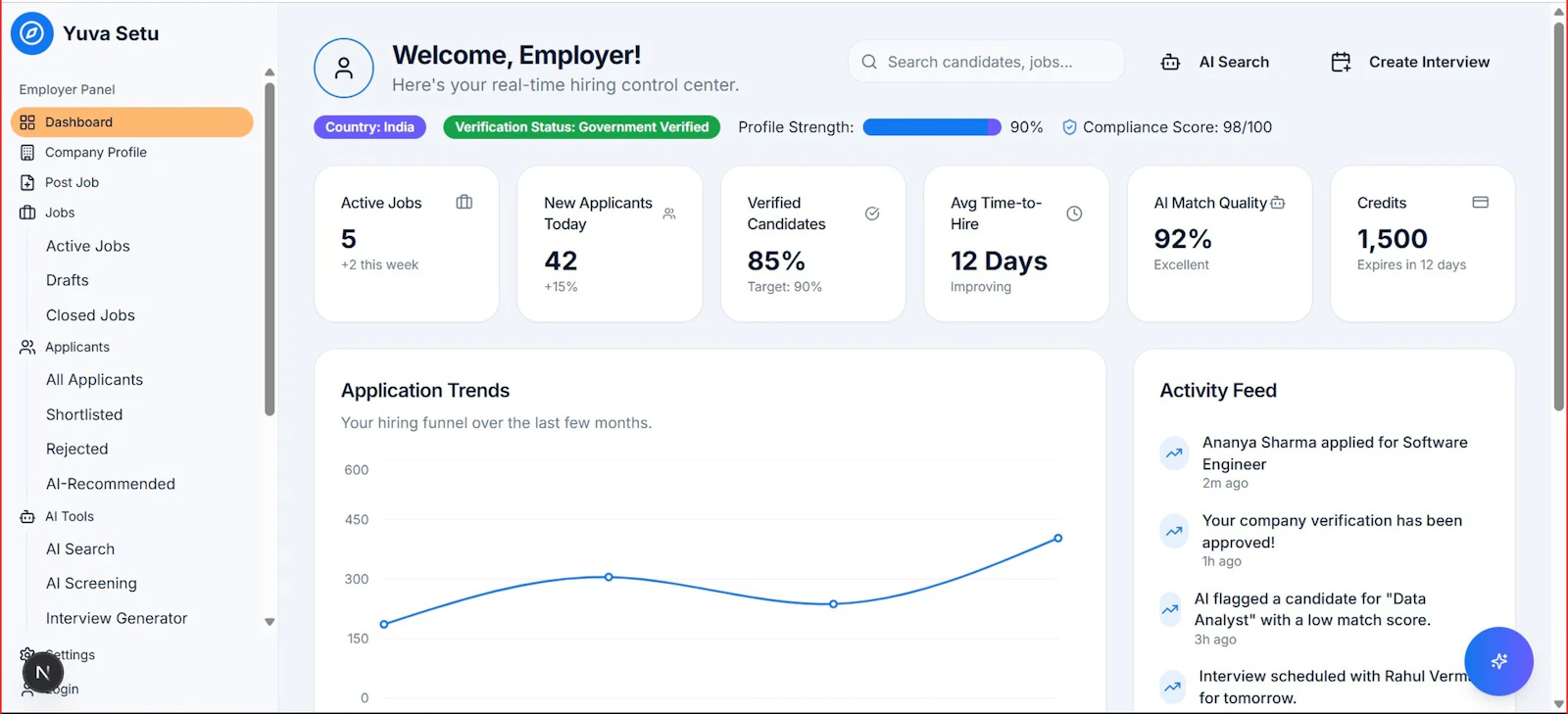
A useful report dashboard answers a question in under 5 seconds. Not 5 menus.
24 home care report templates
Click any card to expand: sample columns, sample row, source fields, cadence, owner, and a known pitfall.
Showing 24 of 24 templates. Source-field references are illustrative; field names vary by platform.
AI-assisted report builder, in plain English
This is a stripped-down preview of how AveeCare's AI report builder, Avee, works. Type what you want and Avee builds it.
In the live product, Avee renders a sortable table, a chart, and one-click XLSX/PDF export.
What Avee handles well
- Caregiver/client/region groupings
- Date ranges in plain English
- Threshold-based alerts ("more than 3 callouts")
- Trend over time (week-over-week, month-over-month)
What still needs a human
- Highly nuanced clinical narratives
- Custom payer-specific edits
- Anything Avee flags as ambiguous, you confirm before it ships
Plain English in, real report out
Avee, AveeCare's AI report builder, takes a sentence and produces a sortable table, a chart, and an export. No SQL. No schema lookup. No $500 invoice.

Who in your agency runs which report
A short cheat sheet for assigning report ownership.
| Role | Daily | Weekly | Monthly |
|---|---|---|---|
| Owner | , | KPI dashboard | Payer mix, turnover |
| Scheduler | Visit log, missed-visit, open shifts | Caregiver utilization | , |
| Biller | Claim status, EVV exception | AR aging, denial reasons | Payer mix |
| Payroll | , | Overtime trend | Payroll summary, mileage |
| Compliance | EVV exception | Incident report log, cert expiry | OASIS, family communication |
Distribution: get reports out of the platform and into inboxes
A report nobody reads is the same as a report that doesn't exist. AveeCare distributes the same report three ways:
On-demand export
XLSX, CSV, PDF. Click and download.
Scheduled email
Daily, weekly, or monthly to a list of recipients. No login required.
In-app dashboard
Real-time KPI cards on the home screen for owners and managers.

The right reporting tool follows you out of the office.
HIPAA, audit trails, and role-based access
Reports contain PHI. Treat them that way. Every reporting tool you evaluate should:
- Inherit role-based access from the platform (caregivers see only their own visits)
- Log every report run with user, timestamp, filters, and rows returned
- Apply minimum-necessary masking on exported PDFs and Excel files
- Honor break-glass protocols when leadership needs to see PHI for an investigation
For the broader compliance picture, our HIPAA compliance checklist goes deeper.
FAQ
How much time do reports take you today?
Most spreadsheet-and-email reporting workflows quietly cost a mid-size agency 8–15 hours of office time a week. Move the sliders to your numbers.
Estimate based on a 70–90% reduction typical when agencies move from spreadsheet-and-email to a self-serve report builder.
Reports your regulators expect to see
During a state survey, Medicaid audit, or CMS validation visit, the surveyor asks for specific reports by name. These are the ones we see asked for most often:
| Report | Required by | Cadence | Where it's reviewed |
|---|---|---|---|
| EVV usage score | State Medicaid (TX HHSC, OH ODM, others) | Quarterly review | Aggregator portal + state audit |
| OASIS-E submission status | CMS (Medicare home health) | Per assessment | iQIES system |
| Incident report log | State licensure surveyors | Reviewed at survey | Survey on-site request |
| Caregiver certification expiry | State licensure | Reviewed at survey | Survey on-site request |
| Background-check completion log | State licensure | Reviewed at survey | Survey on-site request |
| Care plan update history | CMS Conditions of Participation | Per certification period | Audit on-site request |
| Medication administration record | State + CMS | Per visit | Survey + audit on-site |
| Family communication / complaint log | State licensure | Rolling | Survey on-site request |
For the EVV piece, our EVV requirements by state guide covers each state's aggregator and enforcement intensity. For the broader compliance picture, the home care compliance audit guide walks through the full document set.
Reports vs. dashboards vs. alerts
These three things look similar but solve different problems. Picking the wrong one is how agencies end up with 30 reports nobody opens.
Reports
Snapshots of data for a specific date range. Used for review, audit, and historical analysis.
Dashboards
Real-time KPI views. Used for ongoing monitoring of operational health.
Alerts
Push notifications when a threshold is crossed. Used to drive specific actions in real time.
7-step checklist for a new report
Before you build it, walk these seven questions. They prevent the "why isn't this number what I expected" conversation later.
Reporting glossary
Eleven terms that show up in every vendor demo. Worth knowing before the demo, not during.
Drill-down
Clicking a summary number to see the rows that produced it. Without drill-down, an “exception” report is just a number you can't investigate.
Pivot
Re-orienting a report to swap rows and columns. Same data, different view (e.g. caregivers as rows / months as columns ↔ months as rows / caregivers as columns).
Schema
The structure of a database table. Knowing your schema is what lets you build reports without bugging the vendor.
BI tool
Business Intelligence tool. Examples: Power BI, Looker, Tableau. Reports built outside your home care platform, fed by an export.
Snapshot
A point-in-time copy of data. AR-aging is a snapshot; payroll-summary is a snapshot for a pay period.
Time-series
Data measured at intervals. Caregiver turnover by month is a time-series; payer mix by quarter is a time-series.
Cohort
A group filtered by a shared attribute. “Caregivers hired in Q1” is a cohort; “clients on Medicaid waiver X” is a cohort.
Rolling window
A time range that moves with the current date. “Last 90 days” is a rolling window; “Q1 2026” is a fixed period.
Aggregator (in EVV)
The state-designated system that collects EVV data from all providers. See our EVV requirements by state guide.
Materialized view
A pre-computed report saved to disk. Used when a report would take too long to compute on the fly.
Audit log
A record of who pulled which report when. Required for HIPAA-relevant reporting; modern platforms log it automatically.
Sources
- [1]CMS Home Health Conditions of Participation
- [2]HHS HIPAA Audit Log Requirements
- [3]CMS OASIS-E Guidance
Sources accessed May 3, 2026.
Cal designs AveeCare's reporting and AI features alongside agency owners. The 24 templates in this guide were chosen by counting which reports agencies actually export every week.
Continue Reading
Build any report you want, without paying $500 per question
Try the AI report builder live. No credit card. No demo call.